Friday, March 20, 2026

MikeGPT CyberSecurity

“Playbook for the Secure Enterprise”

MikeGPT Daily Threat Rundown

Heroes, your curated look at the current cybersecurity landscape for Mar 20, 2026.

Critical Threats

Apple Warns Older iPhones Vulnerable to Coruna, DarkSword Exploit Kit Attacks

    Apple is urging users of older iOS versions to update their devices immediately due to active web-based attacks leveraging the Coruna and DarkSword exploit kits. These attacks use malicious web content to trigger infections on outdated devices.

    Business Impact

    Compromised employee mobile devices can serve as a bridgehead into corporate networks, leading to unauthorized access, data theft, and subsequent regulatory fines or breach notification costs.

    Recommended Action

    Ask your IT team: Have we enforced Mobile Device Management (MDM) policies requiring all corporate iOS devices to be updated to the latest supported version?

    General Enterprise The Hacker News ↗

High Severity

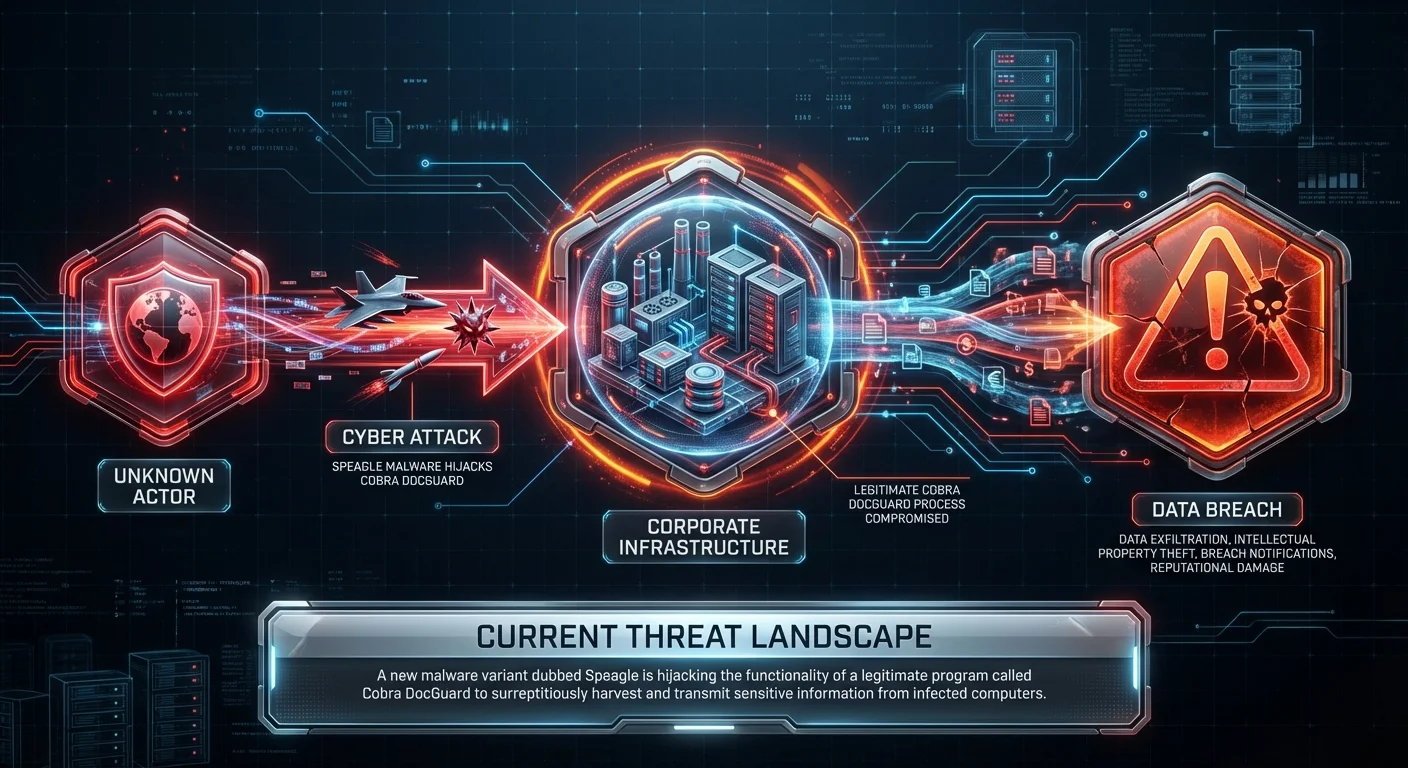
Speagle Malware Hijacks Cobra DocGuard to Steal Data via Compromised Servers

    A new malware variant dubbed Speagle is hijacking the functionality of a legitimate program called Cobra DocGuard to surreptitiously harvest and transmit sensitive information from infected computers.

    Business Impact

    Data exfiltration via trusted, legitimate applications bypasses standard defenses, leading to intellectual property theft, breach notifications, and reputational damage.

    Recommended Action

    Ask your IT team: Do we use Cobra DocGuard in our environment, and do our endpoint detection tools monitor for anomalous behavior from this specific application?

    General Enterprise The Hacker News ↗
Linux security layer extremely vulnerable: 12.6 million systems affected

    A severe vulnerability in a core Linux security layer has been disclosed, reportedly affecting up to 12.6 million systems globally.

    Business Impact

    Widespread compromise of Linux servers could lead to massive data breaches, ransomware deployment, and extended operational paralysis across the enterprise.

    Recommended Action

    Ask your IT team: Are our Linux servers exposed to this newly disclosed security layer vulnerability, and what is our timeline for patching affected systems?

    General Enterprise Hacker News ↗

Executive Briefing

New tools and guidance: Announcing Zero Trust for AI

As organizations rapidly adopt AI technologies, security teams must pivot to meet new challenges. Implementing Zero Trust frameworks specifically tailored for AI is becoming essential to secure these powerful new assets and prevent data leakage.

Microsoft · 7:00 PM ·
SpyCloud study reveal stolen tokens, session data fuel surge in non-human identity attacks

A new Identity Exposure Report highlights that stolen credentials, tokens, and session data are increasingly being used to fuel attacks against non-human identities, underscoring a critical blind spot in many enterprise security postures.

Last Watchdog · 5:51 PM ·

Vendor Spotlight

Wiz

Specialization: Cloud-Native Application Protection Platform (CNAPP)

Why Wiz Today: The summary emphasizes the growing necessity of enhanced CNAPP solutions and proactive cloud runtime security for modern environments. Wiz delivers a leading Cloud-Native Application Protection Platform (CNAPP) that provides the comprehensive exposure command and cloud application detection needed to secure enterprise cloud architectures against emerging threats.

Key Capability: Agentless cloud vulnerability scanning and exposure management

Recommended Actions:
1. Navigate to Wiz Console → Settings → Sensor Management → Runtime Sensors
2. Navigate to Wiz Console → Explorer → Security Graph
3. Navigate to Wiz Console → Issues → Threat Center

Verification Steps:
- Review the 'Health' status of deployed Runtime Sensors in the Sensor Management dashboard and verify runtime events are appearing in the Threat Center
- Re-evaluate the critical attack paths identified in the Security Graph after applying workload patches or network configuration changes

Learn More About Wiz ↗

Detection & Response

Detection & Response Kit (4 items)

⚠️ Disclaimer: Test all detection logic in non-production environments before deployment.

1. Vendor Platform Configuration - Wiz

# Actionable Guidance for Wiz # Generated: 2026-03-20 11:01:05 # Step 1: Navigate to Wiz Console → Settings → Sensor Management → Runtime Sensors # Purpose: Deploy and configure Wiz Runtime Sensors (eBPF) to enable proactive cloud runtime security and real-time behavioral monitoring # Expected: Runtime sensors are successfully provisioned on critical Kubernetes clusters and VMs, enabling real-time threat detection and process-level visibility # Step 2: Navigate to Wiz Console → Explorer → Security Graph # Purpose: Leverage exposure command to identify toxic combinations (e.g., query for: Virtual Machine -> has -> Vulnerability [Severity=Critical] -> and -> Network Exposure [is Public]) # Expected: Generation of a visual attack path map highlighting critical cloud application exposures that require immediate remediation # Step 3: Navigate to Wiz Console → Issues → Threat Center # Purpose: Review and triage active runtime alerts and detected cloud application threats # Expected: A prioritized queue of runtime security events and application threats, correlated with cloud context (IAM, network, vulnerabilities) for rapid response # Verification Steps: # - Review the 'Health' status of deployed Runtime Sensors in the Sensor Management dashboard and verify runtime events are appearing in the Threat Center # Expected: Sensors display a 'Healthy' status and real-time process/network telemetry is successfully being ingested, analyzed, and correlated to workloads # - Re-evaluate the critical attack paths identified in the Security Graph after applying workload patches or network configuration changes # Expected: The specific toxic combinations and attack paths are automatically resolved and removed from the active Issues list

2. YARA Rule for Coruna and DarkSword Exploit Kits

rule ExploitKit_Coruna_DarkSword_iOS { meta: description = "Detects artifacts related to Coruna and DarkSword exploit kits targeting iOS" author = "Threat Rundown" date = "2026-03-20" reference = "https://thehackernews.com/2026/03/apple-warns-older-iphones-vulnerable-to.html" severity = "high" tlp = "white" strings: $s1 = "Coruna" ascii wide $s2 = "DarkSword" ascii wide $s3 = "Malware" ascii wide $s4 = "User" ascii wide $h1 = { 43 6F 72 75 6E 61 5F 4B 69 74 } // Coruna_Kit condition: any of ($s*) or $h1 }

3. SIEM Query — Coruna and DarkSword Web Activity

index=proxy sourcetype="pan:threat" OR sourcetype="zscaler:web" url="*Coruna*" OR url="*DarkSword*" OR http_user_agent="*DarkSword*" OR http_user_agent="*Coruna*" | eval risk_score=case( action=="allowed", 100, action=="blocked", 50, 1==1, 25) | where risk_score >= 50 | table _time, src_ip, dest_ip, url, http_user_agent, action, risk_score | sort -_time

4. PowerShell Script — Detect UniFi Network Application Installations

# Check for potentially vulnerable UniFi Network Application installations $computers = "localhost", "SERVER01", "UNIFI-CTRL" foreach ($computer in $computers) { if (Test-Connection -ComputerName $computer -Count 1 -Quiet) { Write-Host "Checking $computer for UniFi Network Application..." $unifiPath = Invoke-Command -ComputerName $computer -ScriptBlock { Test-Path "C:\Users\*\Ubiquiti UniFi\*" } -ErrorAction SilentlyContinue if ($unifiPath) { Write-Host "[!] WARNING: UniFi Network Application detected on $computer. Verify emergency patch is applied." -ForegroundColor Red } else { Write-Host "[+] No UniFi installation found on $computer." -ForegroundColor Green } } }

This rundown should provide a solid overview of the current threat landscape. Thank you to all our cyberheroes for your diligence and hard work. Stay vigilant!