Monday, March 16, 2026

MikeGPT CyberSecurity

“Playbook for the Secure Enterprise”

MikeGPT Daily Threat Rundown

Heroes, your curated look at the current cybersecurity landscape for Mar 16, 2026.

Critical Threats
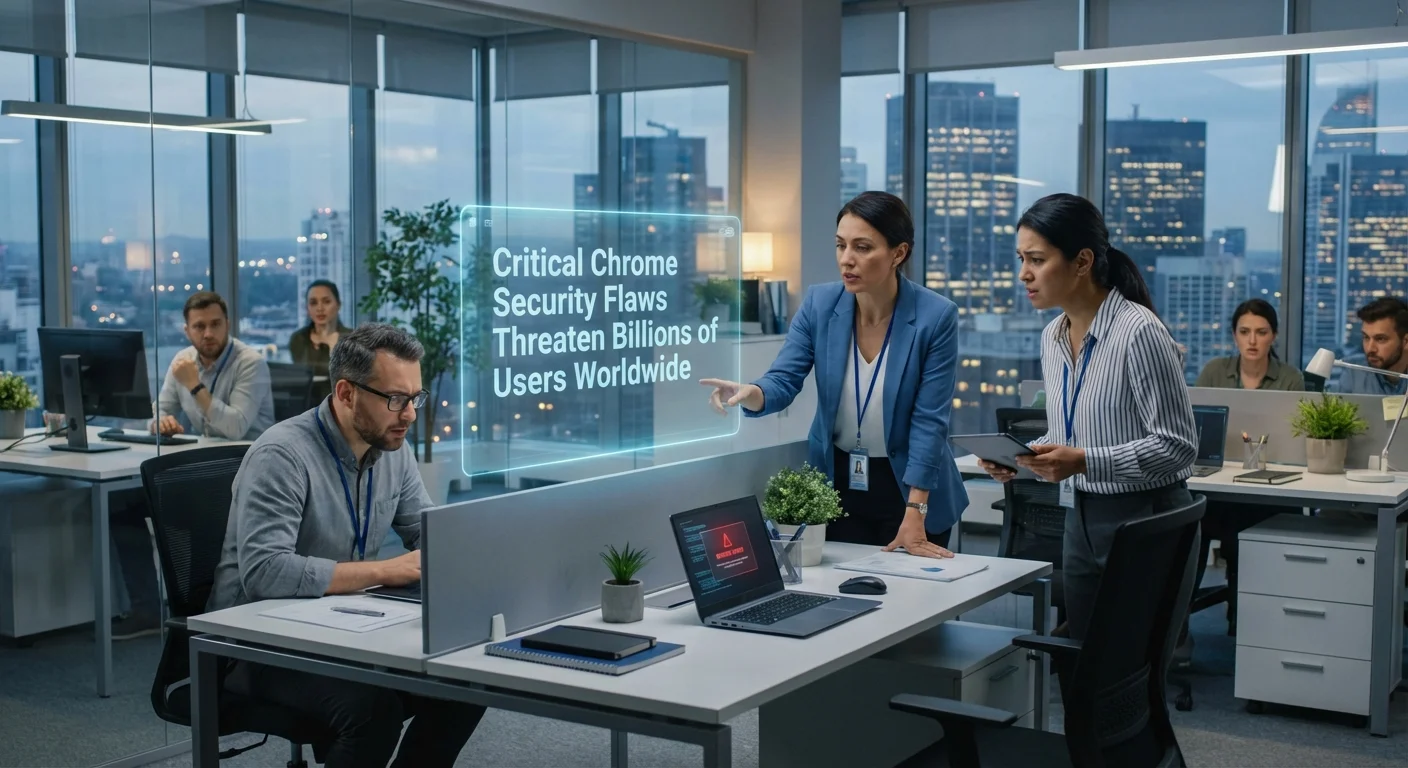
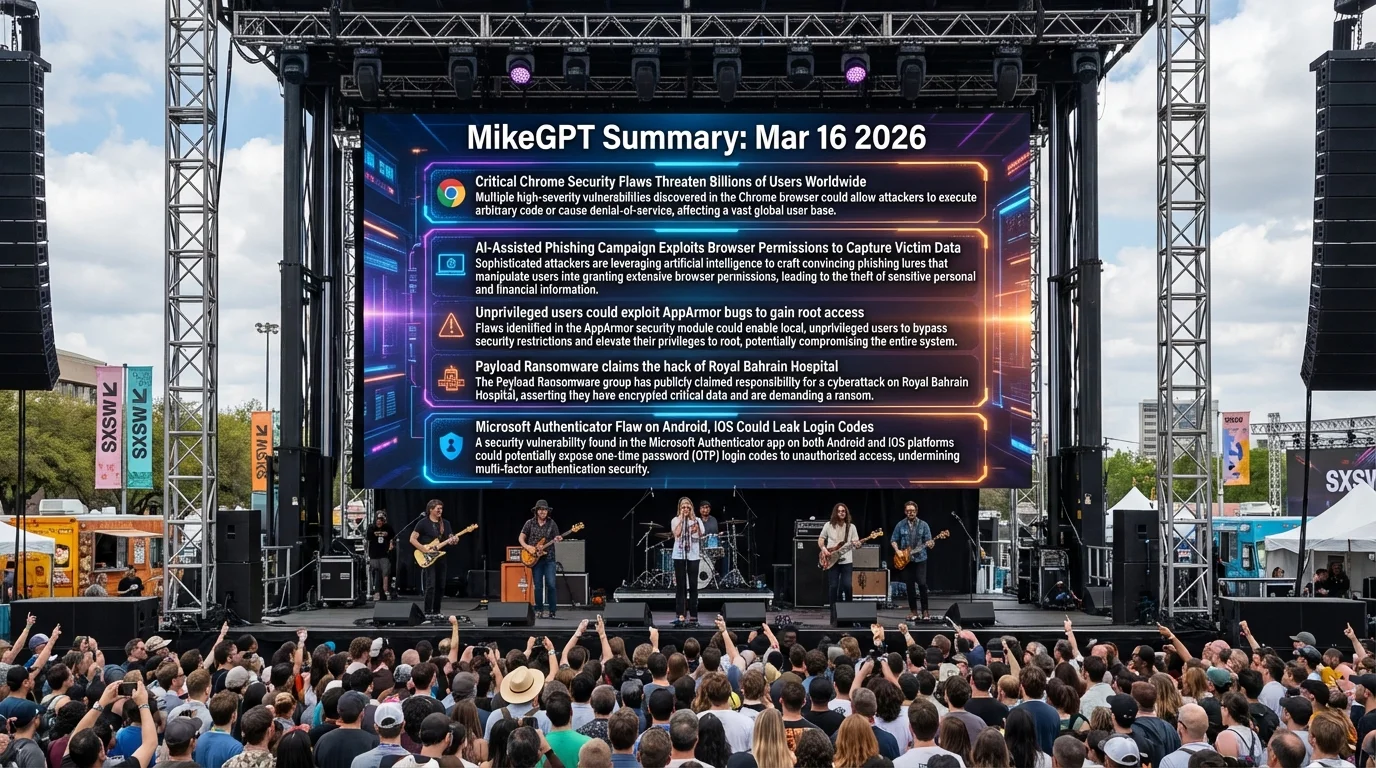
Critical Chrome Security Flaws Threaten Billions of Users Worldwide

    Google has released emergency patches for two actively exploited vulnerabilities in the Chrome browser that allow attackers to crash the application or execute arbitrary malicious code. Billions of users are currently at risk until updates are applied.

    Business Impact

    Active exploitation means threat actors are already using these flaws to compromise endpoints. A successful exploit could lead to ransomware deployment, intellectual property theft, and severe operational downtime across the organization.

    Recommended Action

    Ask your IT team: Have we forced an emergency update for Google Chrome across all corporate endpoints, and are we actively monitoring for anomalous child processes spawning from the browser?

    General Enterprise TechRepublic ↗

Cyble researchers have uncovered a widespread social engineering campaign hosted on edgeone.app infrastructure, utilizing lures like "ID Scanner" and "Health Fund AI" to trick users into granting invasive browser permissions. This allows attackers to capture sensitive victim data seamlessly.

Business Impact

If employees fall for these AI-generated lures, attackers can bypass traditional perimeter defenses to harvest corporate credentials and session tokens directly from the browser. This leads to unauthorized access to corporate environments, potential data breaches, and significant incident response costs.

Recommended Action

Ask your IT team: Have we blocked access to known malicious domains like edgeone.app at the web gateway, and are we enforcing strict browser extension and permission policies for all corporate devices?

General Enterprise Cyble ↗

Qualys researchers have disclosed nine vulnerabilities, dubbed "CrackArmor," in Linux AppArmor. These flaws allow unprivileged users to bypass security protections, weaken container isolation, and escalate to root privileges.

Business Impact

If exploited on corporate servers or cloud infrastructure, attackers can break out of restricted containers to take full control of the host system. This compromises the integrity of hosted applications, leading to potential regulatory fines and massive data exposure.

Recommended Action

Ask your IT team: Have we audited our Linux server fleet for the "CrackArmor" vulnerabilities, and are patches being applied to our container host environments immediately?

General Enterprise SecurityAffairs ↗

The Payload Ransomware group has publicly claimed responsibility for breaching the Royal Bahrain Hospital, allegedly stealing sensitive healthcare data. This highlights the continued aggressive targeting of critical healthcare infrastructure by extortion groups.

Business Impact

Healthcare breaches result in catastrophic regulatory fines (HIPAA/GDPR equivalents), devastating reputational damage, and immediate threats to patient safety due to operational paralysis. Organizations in the supply chain or similar sectors must anticipate copycat attacks.

Recommended Action

Ask your IT team: Are our critical data backups isolated from the main network, and have we tested our ransomware recovery playbook in the last quarter?

General Enterprise SecurityAffairs ↗

High Severity

Microsoft Authenticator Flaw on Android, iOS Could Leak Login Codes

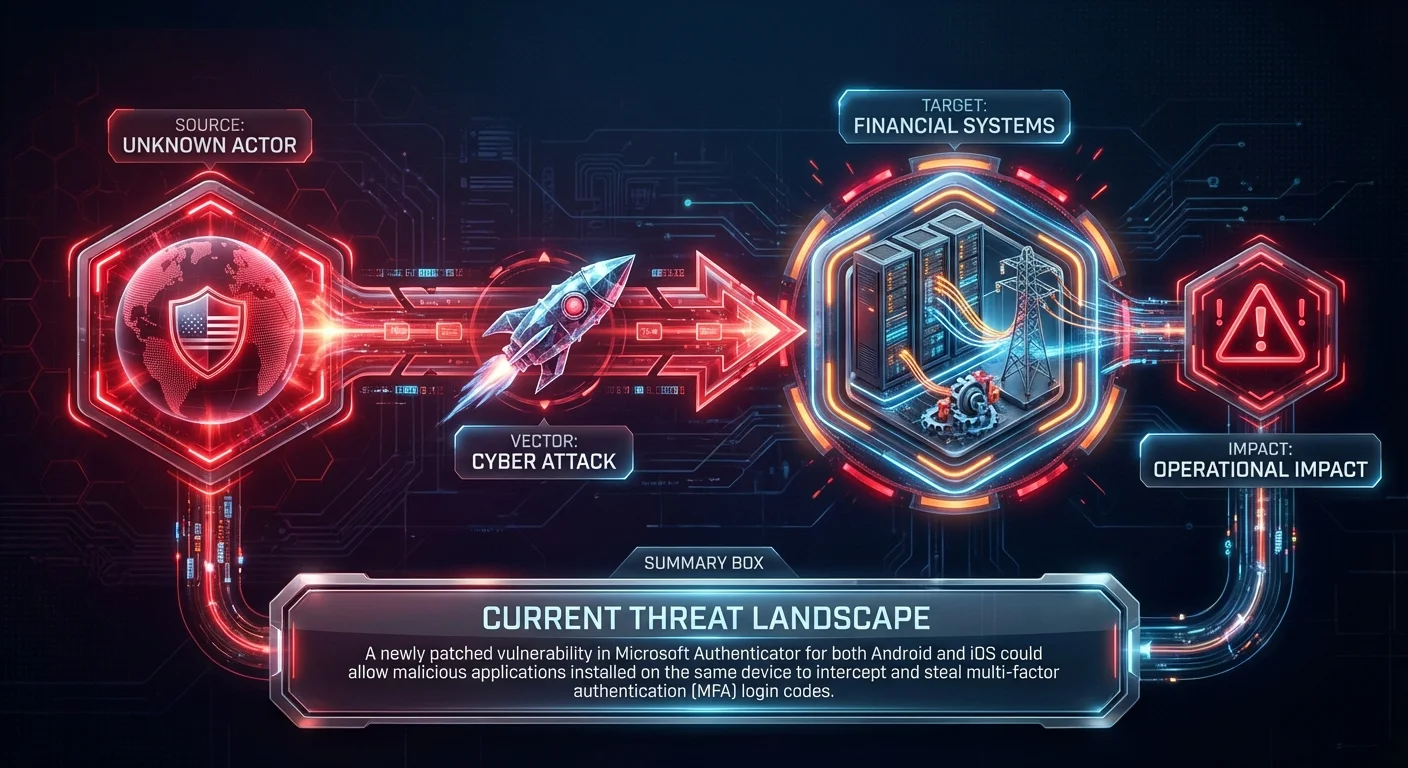
    A newly patched vulnerability in Microsoft Authenticator for both Android and iOS could allow malicious applications installed on the same device to intercept and steal multi-factor authentication (MFA) login codes.

    Business Impact

    The compromise of MFA codes effectively neutralizes one of the strongest identity protections an organization has. Attackers could use stolen codes to access corporate VPNs, email, and financial systems, leading to total account takeover and subsequent data theft.

    Recommended Action

    Ask your IT team: Are we enforcing mobile device management (MDM) policies that require the latest version of Microsoft Authenticator, and are we restricting the installation of unapproved apps on corporate mobile devices?

    General Enterprise TechRepublic ↗

Palo Alto Networks Unit 42 has identified a state-sponsored Chinese cyber espionage campaign (CL-STA-1087) targeting Southeast Asian military organizations since 2020, utilizing custom malware strains known as AppleChris and MemFun.

Business Impact

While targeted at militaries, state-sponsored malware often bleeds into the private sector, particularly targeting defense contractors and supply chain partners. Exposure to these advanced persistent threats (APTs) can result in the loss of highly sensitive intellectual property and long-term undetected network compromise.

Recommended Action

Ask your IT team: Have we ingested the latest Indicators of Compromise (IoCs) for AppleChris and MemFun malware into our SIEM and endpoint detection platforms?

General Enterprise TheHackerNews ↗

Google is testing a new security feature in Android 17 Beta 2 under its Advanced Protection Mode (AAPM) that blocks non-accessibility applications from abusing the accessibility services API—a common vector for Android malware.

Business Impact

This OS-level change will significantly reduce the success rate of mobile banking trojans and spyware that rely on accessibility permissions to steal credentials. However, organizations developing custom internal Android apps must ensure they comply with the new API restrictions to avoid operational breakage.

Recommended Action

Ask your IT team: Will our custom corporate Android applications be impacted by the new Android 17 accessibility API restrictions, and are we testing them against the current beta?

General Enterprise TheHackerNews ↗

Vendor Spotlight

Vendor

Island (Specialized Vendor)

Specialization: Enterprise Browser

Why Island Today: Island's Enterprise Browser is highly relevant to today's threats involving browser vulnerabilities and exploits. It can mitigate AI-assisted phishing campaigns that exploit browser permissions by enforcing strict, centralized control over what web applications can access. Additionally, it provides a managed, secure browsing environment to protect against critical Chrome security flaws and govern access to sensitive ERP and financial systems.

Key Capability: Granular browser policy enforcement and permission controls to prevent malicious sites from capturing data or exploiting browser vulnerabilities.

Recommended Actions:
1. Navigate to Island Management Console → Policies → Browser Policies → Permissions
2. Navigate to Island Management Console → Policies → Data Protection → Create Rule
3. Navigate to Island Management Console → Policies → Device Posture → Browser Version

Verification Steps:
- Log into the designated ERP system using the Island browser and attempt to copy text, download a report, or take a screenshot.
- Review the Island Management Console → Audit Logs → Security Events

Learn More About Island ↗

Detection & Response

Detection & Response Kit (4 items)

⚠️ Disclaimer: Test all detection logic in non-production environments before deployment.

1. Vendor Platform Configuration - Island

# Actionable Guidance for Island # Generated: 2026-03-16 11:01:02 # Step 1: Navigate to Island Management Console → Policies → Browser Policies → Permissions # Purpose: Address AI-assisted phishing by restricting web application permissions # Expected: Automatic blocking of unauthorized requests for sensitive browser permissions (e.g., clipboard, camera, microphone, location) across all non-essential domains, preventing malicious sites from exploiting browser capabilities. # Step 2: Navigate to Island Management Console → Policies → Data Protection → Create Rule # Purpose: Govern access and prevent data exfiltration from sensitive ERP and financial systems # Expected: Enforcement of strict DLP controls (disabling copy/paste, screen capture, printing, and unauthorized downloads) specifically scoped to the URLs of your ERP and financial applications. # Step 3: Navigate to Island Management Console → Policies → Device Posture → Browser Version # Purpose: Mitigate critical Chrome/Chromium security flaws # Expected: Establishment of a minimum required Island browser version. Users running outdated, vulnerable versions will be blocked from accessing corporate applications and prompted to update immediately. # Verification Steps: # - Log into the designated ERP system using the Island browser and attempt to copy text, download a report, or take a screenshot. # Expected: The action is actively blocked by the browser, an Island policy violation notification is displayed to the user, and the event is recorded in the Island Audit Logs. # - Review the Island Management Console → Audit Logs → Security Events # Expected: Visibility into blocked permission requests, blocked outdated browser access attempts, and prevented DLP actions, confirming the policies are actively mitigating threats.

2. YARA Rule for AI-Assisted Phishing & Malware Artifacts

rule Detect_AI_Phishing_And_Malware_Artifacts { meta: description = "Detects artifacts related to the edgeone.app AI-assisted phishing campaign and associated malware indicators" author = "Threat Rundown" date = "2026-03-16" reference = "https://cyble.com/?p=114708" severity = "high" tlp = "white" strings: $s1 = "edgeone.app" ascii wide $s2 = "Malware" ascii wide $s3 = "User" ascii wide $s4 = "Health Fund AI" ascii wide $s5 = "Telegram ID Freezing" ascii wide condition: any of ($s*) }

3. SIEM Query — Phishing Infrastructure & Malware Detection

index=security sourcetype="web_proxy" OR sourcetype="edr_events" url="*edgeone.app*" OR file_name="*Malware*" OR user="*User*" OR process_name="*AppleChris*" OR process_name="*MemFun*" | eval risk_score=case( url LIKE "%edgeone.app%", 100, process_name LIKE "%AppleChris%" OR process_name LIKE "%MemFun%", 100, file_name LIKE "%Malware%", 75, user LIKE "%User%", 25, 1==1, 10) | where risk_score >= 50 | table _time, src_ip, dest_ip, url, file_name, process_name, user, risk_score | sort -_time

4. PowerShell Script — Endpoint Vulnerability Check (Chrome & AppArmor Context)

$computers = "localhost", "SERVER01", "WKSTN01" foreach ($computer in $computers) { if (Test-Connection -ComputerName $computer -Count 1 -Quiet) { Write-Host "Checking $computer for vulnerable Chrome installations..." # Check Chrome version in Windows Registry Invoke-Command -ComputerName $computer -ScriptBlock { $chromePath = "HKLM:\SOFTWARE\Google\Chrome\BLBeacon" if (Test-Path $chromePath) { $version = (Get-ItemProperty -Path $chromePath).version Write-Host "Chrome Version Found: $version - Verify against latest secure build." } else { Write-Host "Chrome not found in HKLM." } } -ErrorAction SilentlyContinue } else { Write-Host "$computer is offline or unreachable." } }

This rundown should provide a solid overview of the current threat landscape. Thank you to all our cyberheroes for your diligence and hard work. Stay vigilant!