Tuesday, February 24, 2026

MikeGPT CyberSecurity

“Playbook for the Secure Enterprise”

MikeGPT Daily Threat Rundown

Heroes, your curated look at the current cybersecurity landscape for Feb 24, 2026.

Critical Threats
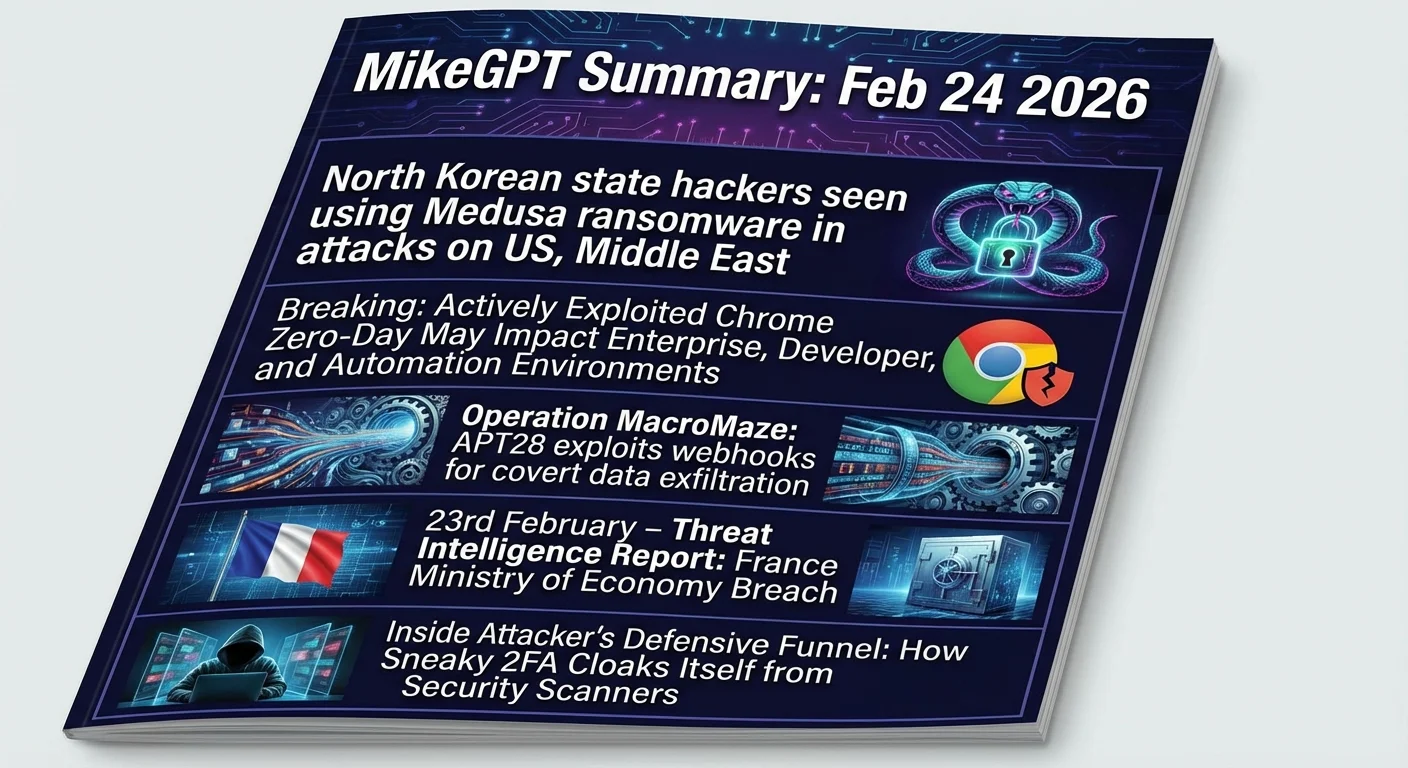
North Korean state hackers seen using Medusa ransomware in attacks on US, Middle East

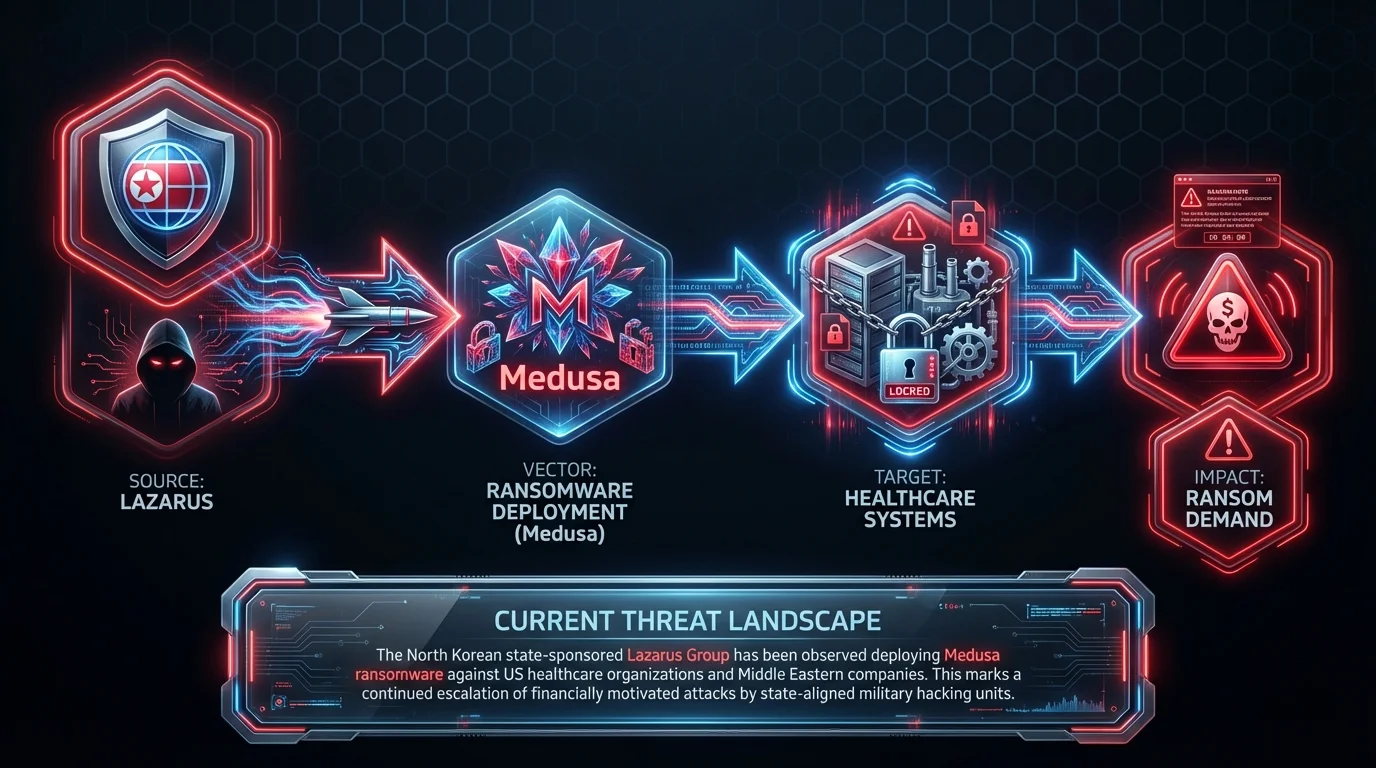
    The North Korean state-sponsored Lazarus Group has been observed deploying Medusa ransomware against US healthcare organizations and Middle Eastern companies. This marks a continued escalation of financially motivated attacks by state-aligned military hacking units.

    Business Impact

    Lazarus group attacks using Medusa ransomware can completely halt business operations, encrypt critical databases, and extort the company for millions. This leads to catastrophic revenue loss, public brand damage, and potential OFAC violations if ransoms are paid to sanctioned entities.

    Recommended Action

    Ask your IT team: Are our anti-ransomware defenses configured to block Medusa execution, and do we have immutable backups isolated from the primary network?

    General Enterprise The Record ↗
Breaking: Actively Exploited Chrome Zero-Day May Impact Enterprise, Developer, and Automation Environments

    A high-severity zero-day vulnerability in Google Chrome and the Chromium engine is being actively exploited in the wild, allowing attackers to execute arbitrary code via malicious web content. This impacts not just browsers, but any enterprise application or automation tool relying on the Chromium engine.

    Business Impact

    If exploited, attackers can execute arbitrary code on employee devices, leading to full system compromise, ransomware deployment, and massive data theft. Expect severe operational downtime, breach notification mandates, and regulatory fines.

    Recommended Action

    Ask your IT team: Have we pushed the emergency Chrome/Chromium patch to all endpoints, and are we blocking outdated browser versions at the secure web gateway?
    CVE-2026-2441 General Enterprise Orca Security ↗
Operation MacroMaze: APT28 exploits webhooks for covert data exfiltration

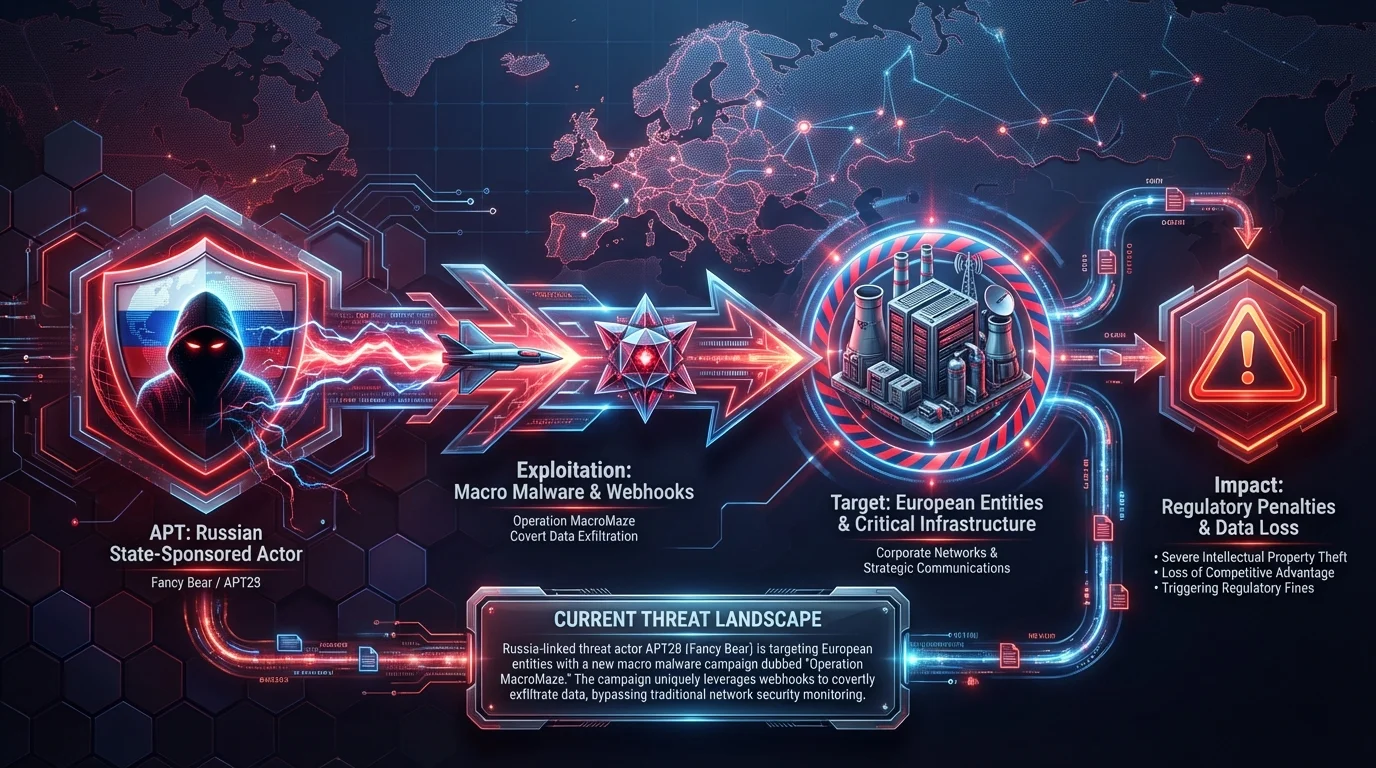
    Russia-linked threat actor APT28 (Fancy Bear) is targeting European entities with a new macro malware campaign dubbed "Operation MacroMaze." The campaign uniquely leverages webhooks to covertly exfiltrate data, bypassing traditional network security monitoring.

    Business Impact

    Covert data exfiltration by Russian state-sponsored actors can result in the loss of highly sensitive intellectual property and strategic communications, triggering severe regulatory penalties and loss of competitive advantage.

    Recommended Action

    Ask your IT team: Are we monitoring and restricting outbound webhook traffic from macro-enabled documents to unverified external domains?
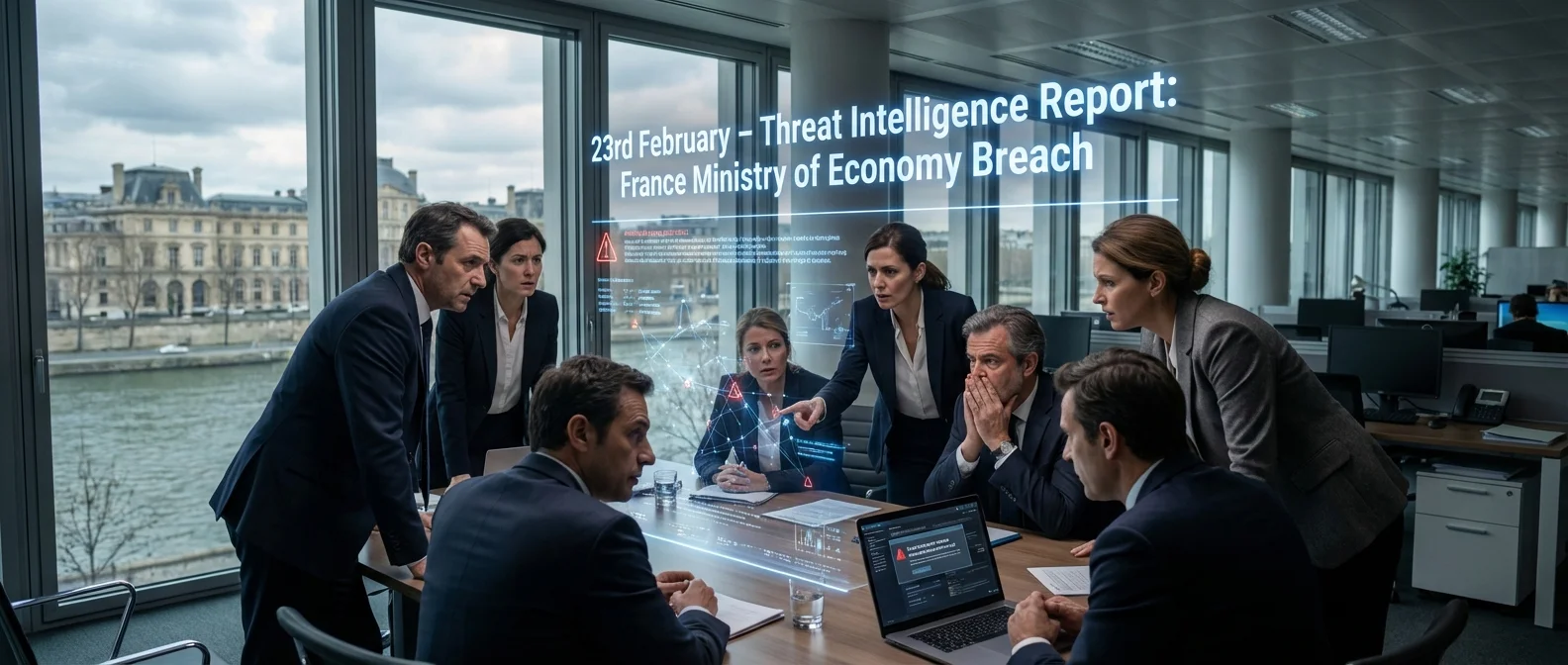
23rd February – Threat Intelligence Report: France Ministry of Economy Breach

    France's Ministry of Economy has disclosed a significant data breach resulting from unauthorized access. This highlights the ongoing vulnerability of high-value government and financial sector targets to sophisticated intrusions.

    Business Impact

    Unauthorized access to government or enterprise financial systems exposes sensitive economic data, leading to severe reputational damage, loss of public trust, and intense regulatory scrutiny.

    Recommended Action

    Ask your IT team: Have we audited our third-party access logs and ensured all external connections to financial databases require strict MFA?

    General Enterprise Check Point Research ↗

High Severity

Inside Attacker’s Defensive Funnel: How Sneaky 2FA Cloaks Itself from Security Scanners

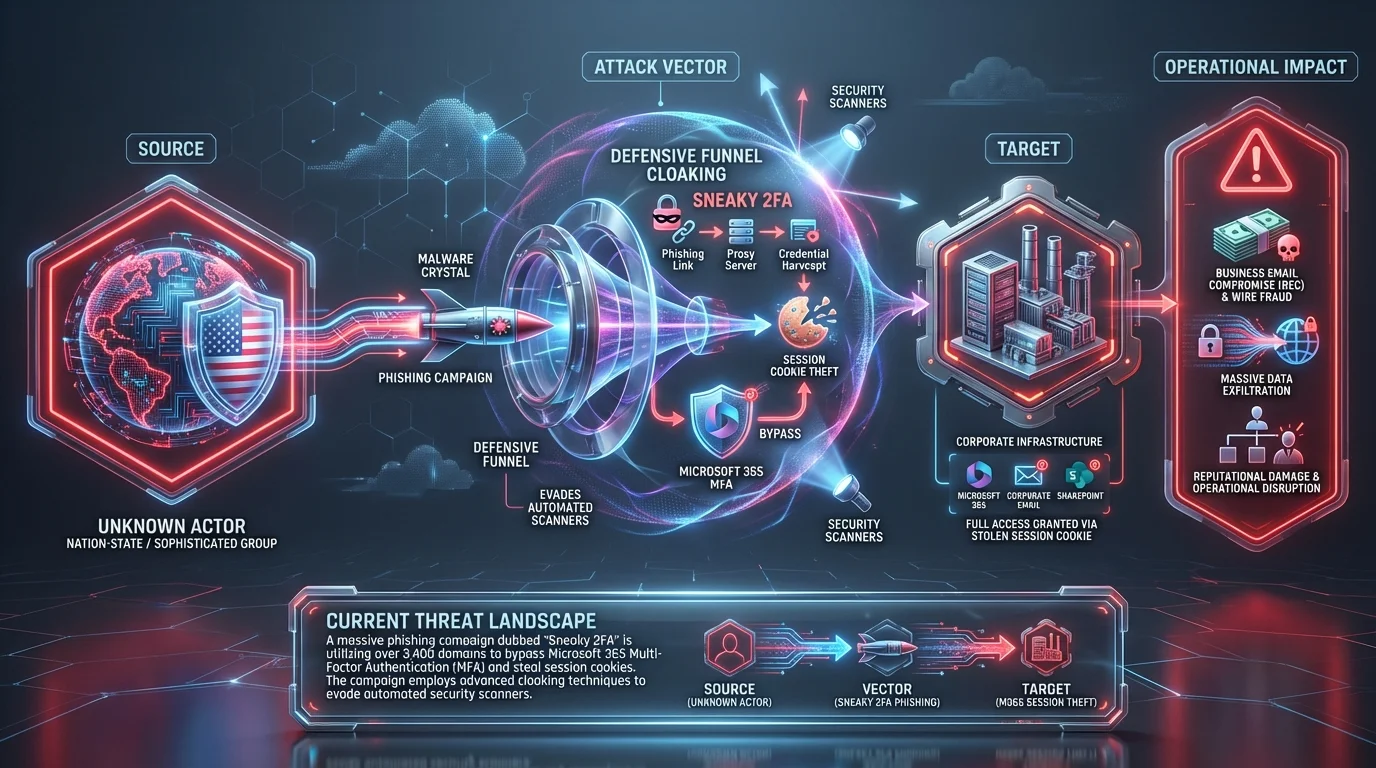
    A massive phishing campaign dubbed "Sneaky 2FA" is utilizing over 3,400 domains to bypass Microsoft 365 Multi-Factor Authentication (MFA) and steal session cookies. The campaign employs advanced cloaking techniques to evade automated security scanners.

    Business Impact

    Session cookie theft allows attackers to bypass MFA entirely, granting them full access to corporate email and SharePoint. This leads to Business Email Compromise (BEC), wire fraud, and massive data exfiltration.

    Recommended Action

    Ask your IT team: Are we enforcing FIDO2 hardware keys or conditional access policies that detect anomalous session cookie usage?

    General Enterprise Menlo Security ↗

Executive Briefing

CISA on Life Support

CISA is facing severe operational challenges due to staffing cuts, stalled leadership, and political crossfire. This hollowing out of the agency threatens the foundation of federal cybersecurity coordination and public-private threat intelligence sharing, increasing systemic risk for critical infrastructure.

Security Boulevard · 10:18 AM ·
The Apple-Google AI Deal: What $1 Billion Says About Who’s Really Winning the AI Race

Apple's decision to choose Google's Gemini over ChatGPT for Siri's AI upgrade in a $1B/year deal signals a major shift in the AI landscape. For security leaders, this consolidation of AI power dictates where enterprise data will flow and which vendor ecosystems will require the most rigorous third-party risk assessments.

Security Boulevard · 3:54 PM ·
The CVE Treadmill: Why You Can’t Patch Your Way to Security

Traditional CVE-based vulnerability management is failing to stop breaches as the sheer volume of vulnerabilities outpaces patching capabilities. Security leaders must pivot toward runtime visibility and exploitability context to prioritize remediation efforts effectively.

Security Boulevard · 8:30 AM ·

Vendor Spotlight

Vendor

Island (Specialized Vendor)

Specialization: Secure Enterprise Browser

Why Island Today: Island provides a secure Enterprise Browser that directly mitigates web-based attacks like the Sneaky 2FA phishing campaign by securing session cookies and enforcing strict access controls to SaaS applications like Microsoft 365. Additionally, its deep inspection and download controls can prevent the initial execution of macro malware used by APT28 or ransomware payloads deployed by state-sponsored actors.

Key Capability: Browser-level isolation and session cookie protection to prevent credential theft, phishing, and malicious file downloads.

Recommended Actions: 1. Navigate to Island Management Console → Policies → Data Protection → Add Policy 2. Navigate to Island Management Console → Policies → File Transfer → Download → Add Rule 3. Navigate to Island Management Console → Settings → Identity Providers → [Your IdP] → Device Posture Integration

Verification Steps: - Log into Microsoft 365 via the Island Browser and attempt to open Developer Tools (F12) or use a browser extension to export session cookies. - Attempt to download a benign macro-enabled test file (e.g., .docm) from an external webmail or file-sharing site using the Island Browser.

Learn More About Island ↗

Detection & Response

Detection & Response Kit (4 items)

⚠️ Disclaimer: Test all detection logic in non-production environments before deployment.

1. Vendor Platform Configuration - Island

# Actionable Guidance for Island # Generated: 2026-02-24 13:16:36 # Step 1: Navigate to Island Management Console → Policies → Data Protection → Add Policy # Purpose: Address session cookie theft and Sneaky 2FA phishing by preventing credential and token extraction from Microsoft 365 sessions. # Expected: Developer tools, clipboard operations, and cookie export functionalities are disabled for the targeted Microsoft 365 domains, preventing malware or malicious extensions from harvesting active session tokens. # Step 2: Navigate to Island Management Console → Policies → File Transfer → Download → Add Rule # Purpose: Address the initial execution of macro malware (APT28) and ransomware payloads by enforcing deep inspection and blocking risky file types. # Expected: Downloads of executable files and macro-enabled Office documents (.docm, .xlsm) are either strictly blocked or automatically routed through Island's Content Disarm and Reconstruction (CDR) and anti-malware inspection engines before reaching the local disk. # Step 3: Navigate to Island Management Console → Settings → Identity Providers → [Your IdP] → Device Posture Integration # Purpose: Ensure SaaS applications like Microsoft 365 can only be accessed via the secure Island Enterprise Browser, neutralizing the utility of stolen cookies on unmanaged browsers. # Expected: Conditional access policies are enforced so that any authentication attempt to Microsoft 365 lacking the Island cryptographic device posture token is automatically denied. # Verification Steps: # - Log into Microsoft 365 via the Island Browser and attempt to open Developer Tools (F12) or use a browser extension to export session cookies. # Expected: The action is actively blocked by the browser UI, and a 'Data Protection Violation' event is immediately visible in the Island Management Console under Reports → Audit Logs. # - Attempt to download a benign macro-enabled test file (e.g., .docm) from an external webmail or file-sharing site using the Island Browser. # Expected: The download is intercepted and blocked (or sanitized, depending on exact configuration), displaying an Island security notification to the end-user, with the block event logged in the Security dashboard.

2. YARA Rule for Lazarus/Medusa & APT28 MacroMaze

rule ThreatRundown_Lazarus_APT28_Indicators { meta: description = "Detects indicators associated with Lazarus Medusa ransomware and APT28 Operation MacroMaze" author = "Threat Rundown" date = "2026-02-24" reference = "https://therecord.media/north-korean-hackers-using-medusa-ransomware" severity = "high" tlp = "white" strings: // Lazarus / Medusa Indicators $s1 = "Medusa" ascii wide $s2 = "Spearwing" ascii wide $s3 = "Andariel" ascii wide $s4 = "Maui" ascii wide $s5 = "Play" ascii wide // APT28 / Operation MacroMaze Indicators $s6 = "MiniDoor" ascii wide $s7 = "PixyNetLoader" ascii wide $s8 = "Covenant" ascii wide $s9 = "Operation MacroMaze" ascii wide // Common executable header $h1 = { 4D 5A 90 00 03 00 00 00 } condition: any of ($s*) and $h1 }

3. SIEM Query — APT28 Webhook Exfiltration & Sneaky 2FA

index=security sourcetype="suricata:eve" OR sourcetype="pan:traffic" OR sourcetype="o365:management" | eval indicator_match=case( match(payload, "(?i)MiniDoor|PixyNetLoader|Covenant"), "APT28_MacroMaze_Payload", match(url, "(?i)webhook"), "Suspicious_Webhook", match(user_agent, "(?i)Sneaky"), "Sneaky_2FA_Campaign", 1==1, "None" ) | search indicator_match!="None" | eval risk_score=case( indicator_match=="APT28_MacroMaze_Payload", 100, indicator_match=="Sneaky_2FA_Campaign", 90, indicator_match=="Suspicious_Webhook", 50, 1==1, 25) | where risk_score >= 50 | table _time, src_ip, dest_ip, user, indicator_match, risk_score | sort -_time

4. PowerShell Script — Sneaky 2FA Session Cookie Anomaly Check

$computers = "localhost", "SERVER01", "WKSTN01" foreach ($computer in $computers) { if (Test-Connection -ComputerName $computer -Count 1 -Quiet) { Write-Host "Checking $computer for Sneaky 2FA artifacts..." # Search for suspicious processes or files matching the Sneaky indicator $suspiciousFiles = Get-ChildItem -Path "C:\Users\*\AppData\Local\Temp" -Recurse -ErrorAction SilentlyContinue | Where-Object { $_.Name -match "Sneaky" } if ($suspiciousFiles) { Write-Warning "[!] Sneaky 2FA artifacts found on $computer!" $suspiciousFiles | Select-Object FullName, CreationTime # Remediation: Isolate host or clear session tokens # Invoke-Command -ComputerName $computer -ScriptBlock { Clear-DnsClientCache } } else { Write-Host "[+] No Sneaky artifacts found on $computer." } } }

This rundown should provide a solid overview of the current threat landscape. Thank you to all our cyberheroes for your diligence and hard work. Stay vigilant!