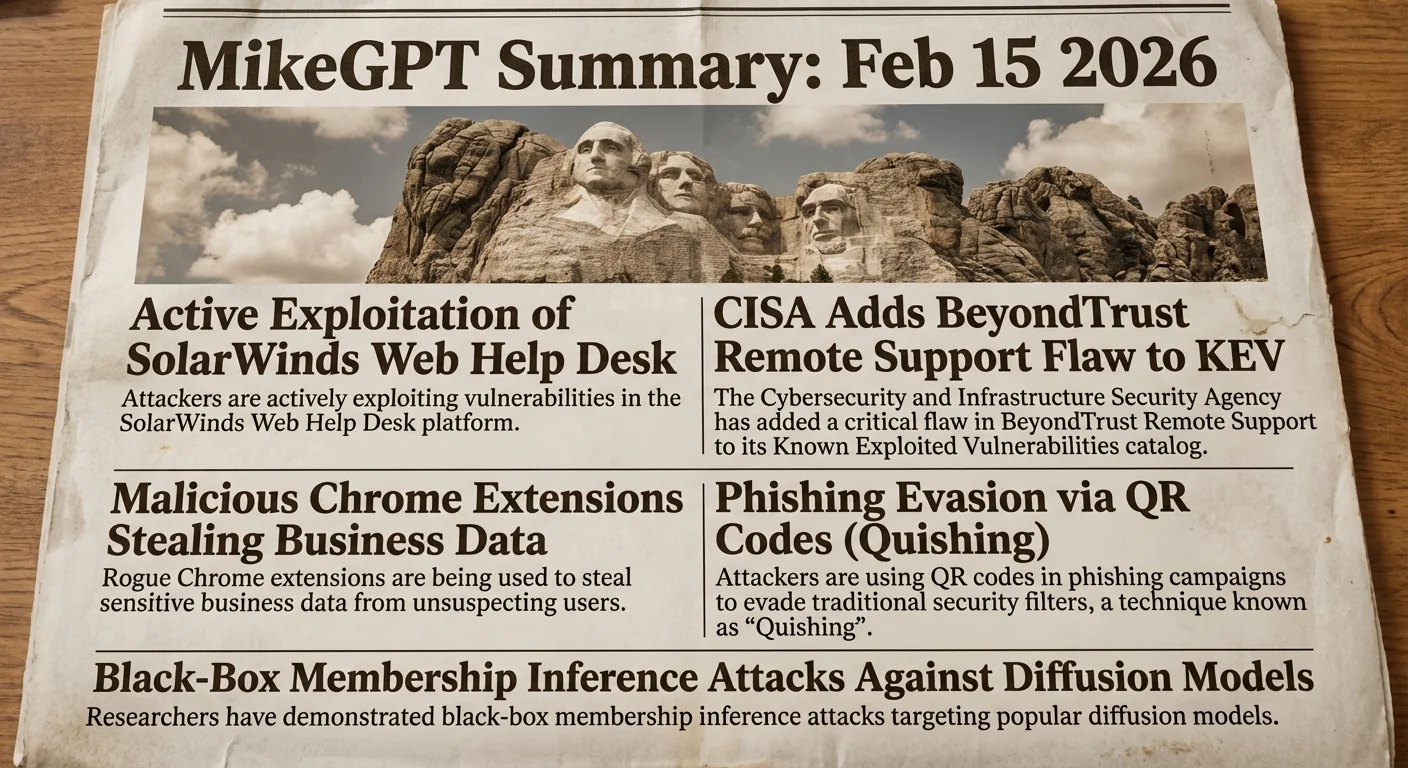
Sunday, February 15, 2026

MikeGPT CyberSecurity

“Playbook for the Secure Enterprise”

MikeGPT Daily Threat Rundown

Heroes, your curated look at the current cybersecurity landscape for Feb 15, 2026.

Critical Threats

CISA has warned that vulnerabilities in SolarWinds Web Help Desk are being actively exploited, likely as zero-days since late 2025. Rapid7 researchers have developed exploit modules for these flaws, which allow attackers to execute code as NT AUTHORITY SYSTEM, granting full control over the host server.

Business Impact

Successful exploitation leads to total server compromise, allowing attackers to pivot into the internal network, steal sensitive corporate data, and potentially deploy ransomware. This poses severe risks to SOX compliance and operational continuity.

Recommended Action

Ask your IT team: "Have we verified the version of our SolarWinds Web Help Desk instance and applied the hotfixes for CVE-2025-40536 and CVE-2025-40551 immediately? Is this service exposed to the public internet?"

CISA has added a critical vulnerability in BeyondTrust Remote Support (RS) and Privileged Remote Access (PRA) to its Known Exploited Vulnerabilities (KEV) catalog. This flaw allows unauthenticated attackers to inject commands, potentially compromising privileged access management infrastructure.

Business Impact

Compromise of remote support tools can grant attackers administrative access to critical systems managed by these tools, bypassing standard authentication controls and leading to massive data breaches or infrastructure sabotage.

Recommended Action

Ask your Security Operations team: "Have we patched our BeyondTrust RS and PRA appliances against CVE-2026-1731, and have we reviewed logs for unauthenticated command injection attempts?"

High Severity

Researchers have identified a malicious Chrome extension named "CL Suite" (ID: jkphinfhmfkckkcnifhjiplhfoiefffl) that targets Meta Business Suite users. The extension steals cookies, browsing history, and business credentials under the guise of a legitimate tool.

Business Impact

Theft of Meta Business Suite credentials can lead to fraudulent ad spending, unauthorized posts, and loss of control over corporate social media assets, resulting in direct financial loss and reputational harm.

Recommended Action

Ask your IT team: "Do we have a policy to block unapproved browser extensions? Can we specifically block extension ID jkphinfhmfkckkcnifhjiplhfoiefffl immediately?"

SOX, HIPAA The Hacker News ↗

Attackers are increasingly using malicious QR codes combined with URL shorteners and in-app deep links to bypass email security gateways and mobile protections. This technique shifts the attack surface to mobile devices, which often have fewer security controls.

Business Impact

Employees scanning malicious QR codes on personal or corporate mobile devices can be led to phishing sites or malware downloads, compromising credentials and bypassing perimeter defenses.

Recommended Action

Ask your Security Awareness team: "Have we updated our phishing training to include the risks of scanning QR codes from unverified sources?"

SOX, HIPAA Unit 42 ↗

New research presented at NDSS 2025 demonstrates effective black-box membership inference attacks against fine-tuned diffusion models. This allows attackers to determine if specific data was used to train a generative AI model, posing privacy risks.

Business Impact

If your organization fine-tunes public AI models with private customer data, this attack vector could allow adversaries to confirm the presence of that data, leading to GDPR violations and loss of intellectual property.

Recommended Action

Ask your Data Science team: "Are we scrubbing sensitive PII from datasets used to fine-tune our generative AI models?"

A new open-source framework called Ziran has been released to test the security of AI agents (LangChain, CrewAI). Unlike existing tools that test LLMs, this focuses specifically on agentic workflows.

Executive Briefing

Identity Risk Scoring and Non-Human Identities

As organizations rely more on identity risk scoring, the defensibility of attribution becomes critical. Simultaneously, the explosion of Non-Human Identities (NHIs)—machine accounts and secrets—requires a shift in strategy. Leaders must prioritize NHI lifecycle management to prevent the "invisible workforce" from becoming a silent attack vector.

Constella Intelligence · 8:53 PM ·
Adding AI to Applications: Safety and Security

Integrating AI into applications introduces new injection vectors (data is the new code) and requires explainability as a security requirement. Traditional security models must evolve to treat model inputs as untrusted user data.

reddit.com · 12:29 PM ·

Vendor Spotlight

Vendor

Spin.AI (Specialized Vendor)

Specialization: SaaS Security Posture Management (SSPM) & Ransomware Protection

Why Spin.AI Today: The provided threat list highlights 'Malicious Chrome Extensions Caught Stealing Business Data' as a critical issue. Spin.AI is directly relevant as their platform specializes in SaaS security, specifically offering capabilities to detect, assess, and block risky browser extensions and OAuth applications within Google Workspace and Chrome environments.

Key Capability: Automated risk assessment and blocking of malicious browser extensions and third-party apps.

Recommended Actions: 1. Navigate to SpinOne Console → Security → Risk Assessment → Browser Extensions 2. Navigate to SpinOne Console → Security → Risk Assessment → Browser Extensions → Select Target Extension → Click 'Add to Blocklist' 3. Navigate to SpinOne Console → Security → Policies → Create Policy → Scope: Chrome Extensions → Condition: Risk Score > 70 → Action: Block

Verification Steps: - Navigate to SpinOne Console → Security → Risk Assessment → Blocklist - Check the 'Security Alerts' or 'Activity Log' dashboard within SpinOne

Learn More About Spin.AI ↗

Detection & Response

Detection & Response Kit (4 items)

⚠️ Disclaimer: Test all detection logic in non-production environments before deployment.

1. Vendor Platform Configuration - Spin.AI

# Actionable Guidance for Spin.AI # Generated: 2026-02-15 20:03:47 # Step 1: Navigate to SpinOne Console → Security → Risk Assessment → Browser Extensions # Purpose: Identify high-risk extensions currently installed in the environment that match the threat profile (data theft capabilities) # Expected: A list of installed Chrome extensions sorted by Risk Score (focus on scores 80-100) displaying permissions like 'Read/Write data on all websites' # Step 2: Navigate to SpinOne Console → Security → Risk Assessment → Browser Extensions → Select Target Extension → Click 'Add to Blocklist' # Purpose: Immediately revoke the malicious extension's access to corporate data and prevent further usage # Expected: The extension status changes to 'Blocked' within SpinOne and the revocation command is queued for the Google Workspace environment # Step 3: Navigate to SpinOne Console → Security → Policies → Create Policy → Scope: Chrome Extensions → Condition: Risk Score > 70 → Action: Block # Purpose: Establish an automated defense perimeter to proactively block future installation of extensions with high-risk characteristics # Expected: An active security policy that automatically assesses new extensions and blocks those exceeding the defined risk threshold without manual intervention # Verification Steps: # - Navigate to SpinOne Console → Security → Risk Assessment → Blocklist # Expected: The specific malicious extension appears in the list with a status of 'Blocked' and the 'Users' count reflects the number of remediated endpoints # - Check the 'Security Alerts' or 'Activity Log' dashboard within SpinOne # Expected: Log entries confirming 'Extension Blocked' or 'Access Revoked' for the specific App ID across affected user accounts

2. YARA Rule for Malicious Chrome Extension (CL Suite)

rule Chrome_Extension_CLSuite_AiFrame { meta: description = "Detects artifacts related to the malicious CL Suite Chrome extension targeting Meta Business" author = "Threat Rundown" date = "2026-02-16" reference = "https://thehackernews.com/2026/02/malicious-chrome-extensions-caught.html" severity = "medium" tlp = "white" strings: $s1 = "jkphinfhmfkckkcnifhjiplhfoiefffl" ascii wide $s2 = "CL Suite" ascii wide $s3 = "AiFrame" ascii wide $s4 = "@CLMasters" ascii wide condition: any of ($s*) }

3. SIEM Query — SolarWinds WHD Exploitation Attempts

index=security sourcetype="iis" OR sourcetype="apache:access" uri_path="*/helpdesk*" | eval risk_score=case( match(uri_query, "(?i)(CVE-2025-40536|CVE-2025-40551)"), 100, match(user_agent, "(?i)(rapid7|metasploit)"), 90, status=200 AND method="POST", 50, 1==1, 0) | where risk_score >= 50 | table _time, src_ip, dest_ip, uri_path, user_agent, risk_score | sort -_time

4. PowerShell Script — Detect Malicious Extension in Chrome

$computers = "localhost", "WKSTN01", "WKSTN02" $maliciousID = "jkphinfhmfkckkcnifhjiplhfoiefffl" foreach ($computer in $computers) { if (Test-Connection -ComputerName $computer -Count 1 -Quiet) { Write-Host "Checking $computer for extension $maliciousID..." $chromePath = "\\$computer\C$\Users\*\AppData\Local\Google\Chrome\User Data\Default\Extensions\$maliciousID" if (Test-Path $chromePath) { Write-Warning "CRITICAL: Malicious extension found on $computer at $chromePath" } else { Write-Host "Clean: Extension not found on $computer" -ForegroundColor Green } } }

This rundown should provide a solid overview of the current threat landscape. Thank you to all our cyberheroes for your diligence and hard work. Stay vigilant!