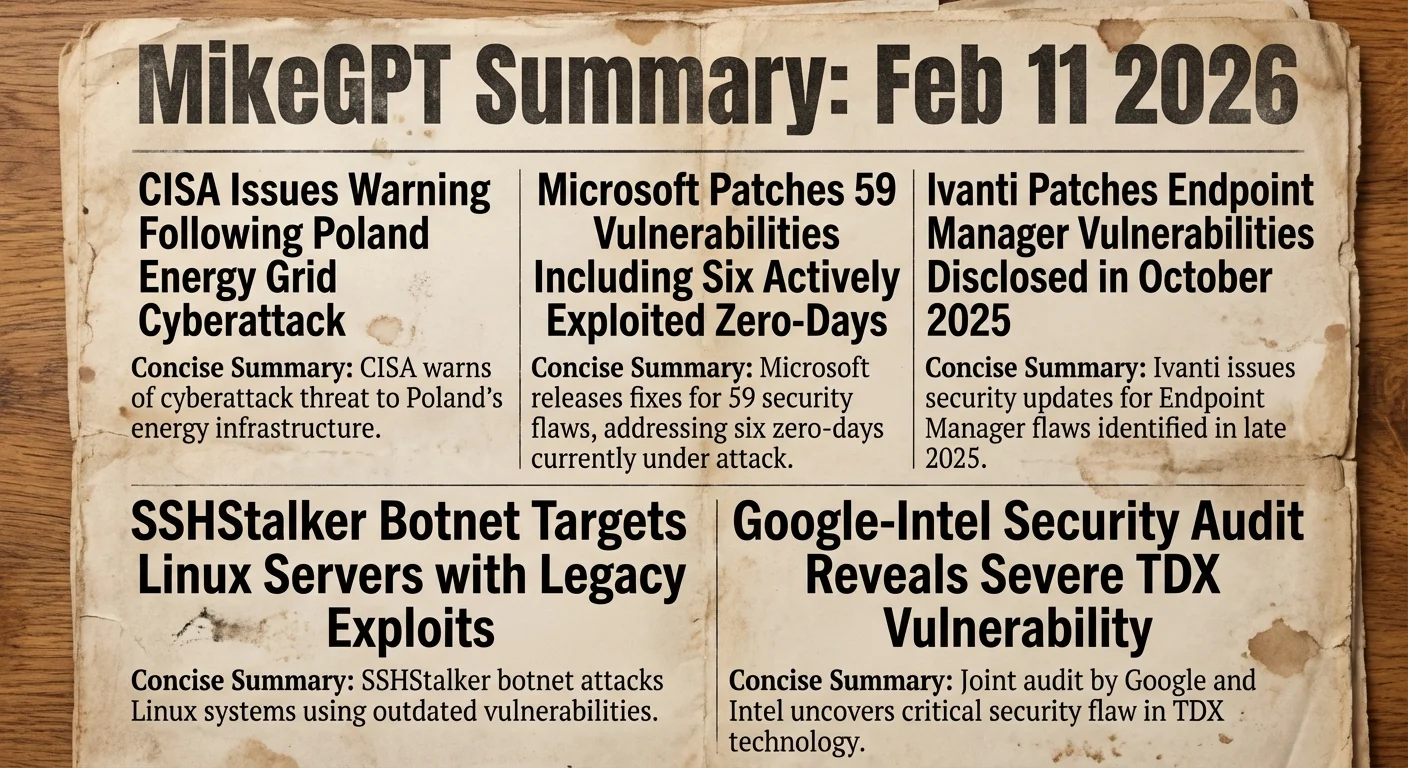
Wednesday, February 11, 2026

MikeGPT CyberSecurity

“Playbook for the Secure Enterprise”

MikeGPT Daily Threat Rundown

Heroes, your curated look at the current cybersecurity landscape for Feb 11, 2026.

Critical Threats
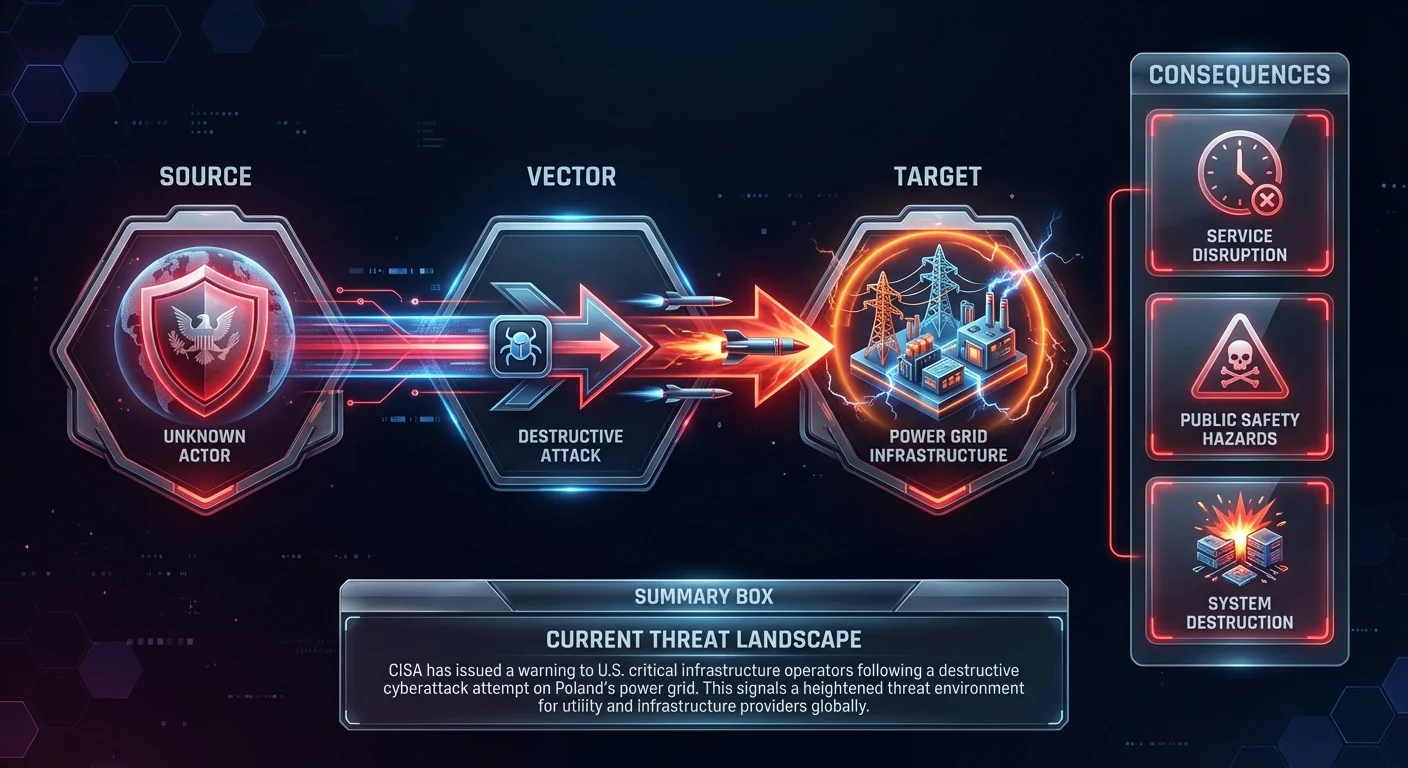
CISA Issues Warning Following Poland Energy Grid Cyberattack

    CISA has issued a warning to U.S. critical infrastructure operators following a destructive cyberattack attempt on Poland's power grid. This signals a heightened threat environment for utility and infrastructure providers globally.

    Business Impact

    For organizations in critical infrastructure, this indicates a clear and present danger of state-sponsored destructive attacks. Operational disruption could lead to massive financial losses and public safety risks.

    Recommended Action

    Ask your IT team: "Have we reviewed the latest CISA guidance regarding the Poland grid attack and verified our isolation of operational technology (OT) networks?"
Microsoft Patches 59 Vulnerabilities Including Six Actively Exploited Zero-Days

    Microsoft has released urgent security updates for 59 vulnerabilities, including six zero-days currently being exploited in the wild to compromise systems. This update is critical as attackers are already leveraging these flaws to breach networks before organizations can patch.

    Business Impact

    Failure to apply these patches immediately leaves the organization exposed to active attacks that can lead to full system compromise, data theft, and significant operational downtime. Regulatory penalties under SOX and HIPAA are likely if known exploited vulnerabilities are left unaddressed.

    Recommended Action

    Ask your IT team: "Have we prioritized the patching of the six actively exploited zero-days across all Windows servers and workstations, and can we verify deployment within 24 hours?"
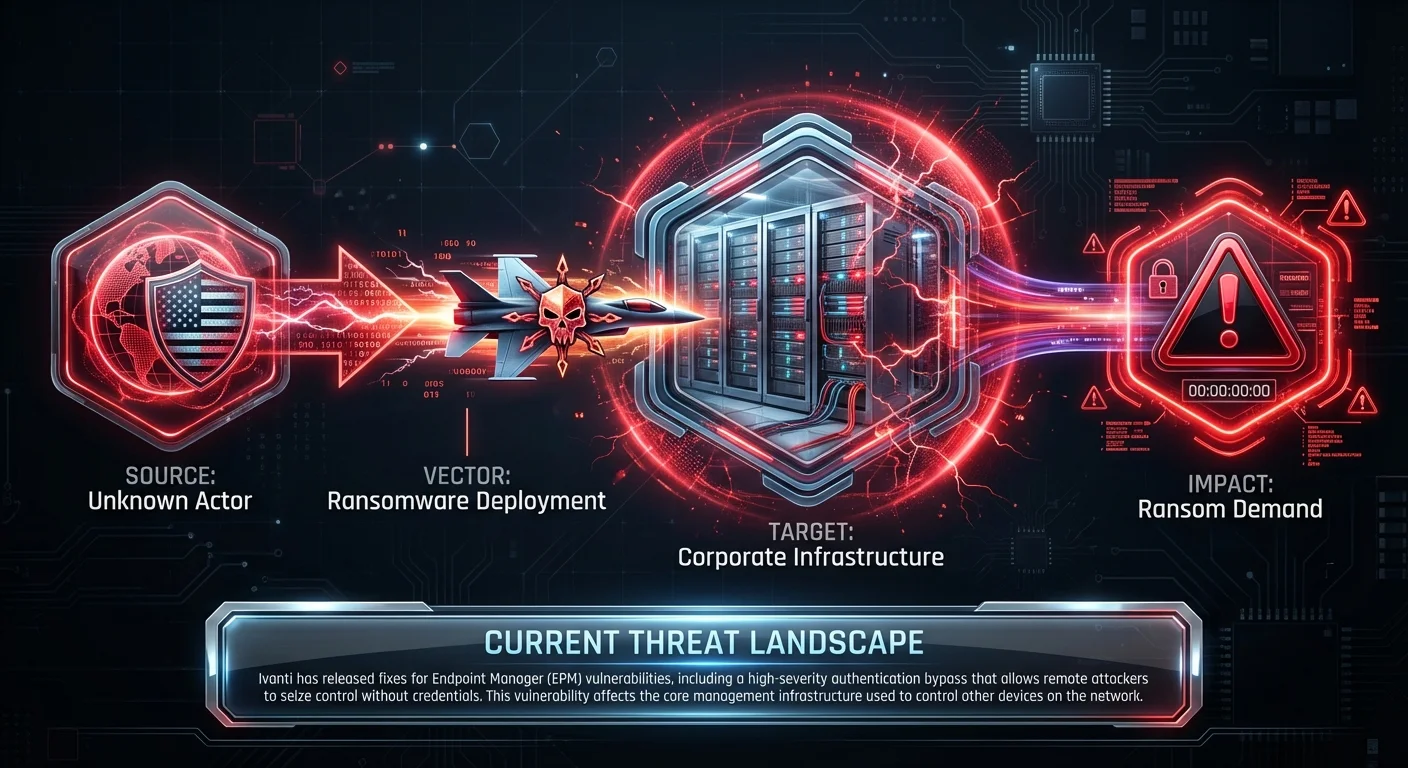
Ivanti Patches Endpoint Manager Vulnerabilities Disclosed in October 2025

    Ivanti has released fixes for Endpoint Manager (EPM) vulnerabilities, including a high-severity authentication bypass that allows remote attackers to seize control without credentials. This vulnerability affects the core management infrastructure used to control other devices on the network.

    Business Impact

    If exploited, an attacker could gain administrative control over the entire fleet of managed endpoints, leading to mass ransomware deployment or data exfiltration. This represents a catastrophic risk to IT operations and data integrity.

    Recommended Action

    Ask your IT team: "Is our Ivanti Endpoint Manager instance exposed to the internet, and have we applied the latest patch fixing the authentication bypass immediately?"

A new botnet dubbed "SSHStalker" has infected approximately 7,000 Linux systems by utilizing legacy exploits and mass SSH scanning. The campaign targets cloud environments and servers with weak configurations or outdated software.

Business Impact

Compromised Linux servers can be used to launch further attacks, mine cryptocurrency (increasing cloud costs), or serve as a beachhead for lateral movement into the corporate network. This directly impacts FISMA and SOC 2 compliance regarding system integrity.

Recommended Action

Ask your IT team: "Do we have active monitoring for SSH login attempts on our Linux servers, and are we blocking legacy SSH protocols?"

High Severity

A joint audit by Google and Intel has uncovered a severe vulnerability in Intel's Trust Domain Extensions (TDX) that could allow full system compromise. This affects confidential computing environments designed to protect data in use.

Business Impact

Organizations relying on hardware-based isolation for sensitive workloads (like cloud tenants) may be vulnerable to breakout attacks, compromising the confidentiality of highly sensitive data.

Recommended Action

Ask your IT team: "Do we utilize Intel TDX for any confidential computing workloads, and are firmware updates available to mitigate this flaw?"

Intel and AMD have released advisories addressing over 80 vulnerabilities across their product lines. These hardware-level flaws often require firmware updates that can be complex to deploy.

ICS Patch Tuesday: Vulnerabilities in Siemens, Schneider, Aveva

    Major industrial control system vendors including Siemens and Schneider Electric have patched multiple vulnerabilities. These affect operational technology environments essential for manufacturing and utilities.

Google Threat Intelligence reports that state-backed hackers are escalating attacks on the US defense industrial base, shifting tactics toward supply-chain compromise and workforce infiltration.

Other Noteworthy

Google Threat Intelligence reports that state-backed hackers are escalating attacks on the US defense industrial base, shifting tactics toward supply-chain compromise and workforce infiltration.

Executive Briefing

From Ransomware to Residency: Inside the Rise of the Digital Parasite

Picus Labs' Red Report 2026 analyzes 1.1 million malicious files, suggesting a shift from noisy ransomware encryption to "residency"—where attackers quietly persist in networks to steal data over long periods. This requires a shift in defense strategy from perimeter blocking to continuous internal monitoring.

The Hacker News · 1:59 PM ·

Vendor Spotlight

Vendor

Teleport (Specialized Vendor)

Specialization: Infrastructure Access Management (IAM) & Zero Trust Access

Why Teleport Today: The disclosed Ivanti vulnerabilities highlight the critical risks associated with authentication bypass in traditional endpoint managers and legacy access gateways. Teleport is specifically relevant as a modern alternative that replaces these vulnerable access points with an identity-aware, certificate-based access plane, eliminating the static credentials that attackers often exploit following an auth bypass.

Key Capability: Issuance of short-lived certificates for SSH, Kubernetes, Database, and RDP access to eliminate static credentials.

Recommended Actions: 1. Navigate to Web Console → Management → Auth Connectors → New/Edit Connector 2. Navigate to Web Console → Management → Roles → [Select User Role] → Options → Edit JSON/YAML 3. Navigate to Web Console → Management → Roles → [Select User Role] → Options → Max Session TTL

Verification Steps: - Initiate a terminal session via 'tsh ssh user@node' or the Web UI terminal - Inspect the issued certificate via 'tsh status' or by decoding the ~/.tsh/keys certificate

Learn More About Teleport ↗

Detection & Response

Detection & Response Kit (4 items)

⚠️ Disclaimer: Test all detection logic in non-production environments before deployment.

1. Vendor Platform Configuration - Teleport

# Actionable Guidance for Teleport # Generated: 2026-02-11 12:54:42 # Step 1: Navigate to Web Console → Management → Auth Connectors → New/Edit Connector # Purpose: Replace static local credentials with OIDC/SAML integration to centralize identity management and eliminate the attack surface of standalone user databases. # Expected: Users are redirected to the corporate Identity Provider (Okta, Azure AD, etc.) for authentication, disabling reliance on potentially vulnerable local auth schemes. # Step 2: Navigate to Web Console → Management → Roles → [Select User Role] → Options → Edit JSON/YAML # Purpose: Enforce 'require_session_mfa: true' to mitigate the risk of session hijacking or auth bypass by requiring a hardware touch (WebAuthn/YubiKey) for every specific protocol session (SSH, K8s, DB) initiation. # Expected: Even if primary authentication is bypassed or credentials are compromised, the attacker cannot initiate a session without physical possession of the registered MFA device. # Step 3: Navigate to Web Console → Management → Roles → [Select User Role] → Options → Max Session TTL # Purpose: Reduce 'max_session_ttl' to a minimal functional window (e.g., 1-8 hours) to limit the blast radius of any theoretically compromised certificate. # Expected: Short-lived x.509 certificates are issued that expire automatically, rendering exfiltrated credentials useless after the brief TTL window. # Verification Steps: # - Initiate a terminal session via 'tsh ssh user@node' or the Web UI terminal # Expected: The system pauses and explicitly requests a WebAuthn/TouchID tap before granting the shell, confirming per-session MFA is active. # - Inspect the issued certificate via 'tsh status' or by decoding the ~/.tsh/keys certificate # Expected: The 'Valid before' timestamp reflects the newly configured short TTL (e.g., < 8 hours from issuance) rather than the default duration.

2. YARA Rule for UNC3753 Malware Artifacts

rule Detect_UNC3753_Malware_Artifacts { meta: description = "Detects malware artifacts associated with UNC3753 and Intel TDX audit findings" author = "Threat Rundown" date = "2026-02-12" reference = "https://www.securityweek.com/?p=45339" severity = "medium" tlp = "white" strings: $s1 = "Silent" ascii wide $s2 = "Chatty" ascii wide $s3 = "Luna" ascii wide $s4 = "UNC3753" ascii wide $s5 = "WinSCP" ascii wide $s6 = "Rclone" ascii wide condition: (any of ($s1,$s2,$s3,$s4) and any of ($s5,$s6)) }

3. SIEM Query — Ivanti EPM Authentication Bypass Attempt

index=security sourcetype="ivanti:epm:access" status="success" OR status="200" | eval risk_score=case( src_user=="anonymous" AND method=="POST", 100, uri_path LIKE "%/auth/bypass%", 100, 1==1, 0) | where risk_score >= 50 | table _time, src_ip, dest_ip, uri_path, src_user, risk_score | sort -_time

4. PowerShell Script — Check for Vulnerable libjpeg-turbo (Linux via SSH)

# Checks Linux hosts for vulnerable libjpeg-turbo versions via SSH # Requires Posh-SSH module $computers = "192.168.1.10", "192.168.1.11" $creds = Get-Credential foreach ($computer in $computers) { try { $session = New-SSHSession -ComputerName $computer -Credential $creds -AcceptKey $command = "rpm -qa | grep libjpeg-turbo" $output = Invoke-SSHCommand -SSHSession $session -Command $command if ($output.Output -match "libjpeg-turbo") { Write-Host "[ALERT] $computer: $($output.Output.Trim())" -ForegroundColor Red } else { Write-Host "[INFO] $computer: Library not found or check failed" -ForegroundColor Gray } Remove-SSHSession -SSHSession $session } catch { Write-Host "[ERROR] Could not connect to $computer" -ForegroundColor Yellow } }

This rundown should provide a solid overview of the current threat landscape. Thank you to all our cyberheroes for your diligence and hard work. Stay vigilant!