MAESTRO Toolkit Exploits VMware ESXi Zero-Days for VM Escapes
Hackread·7:48 PM
▾
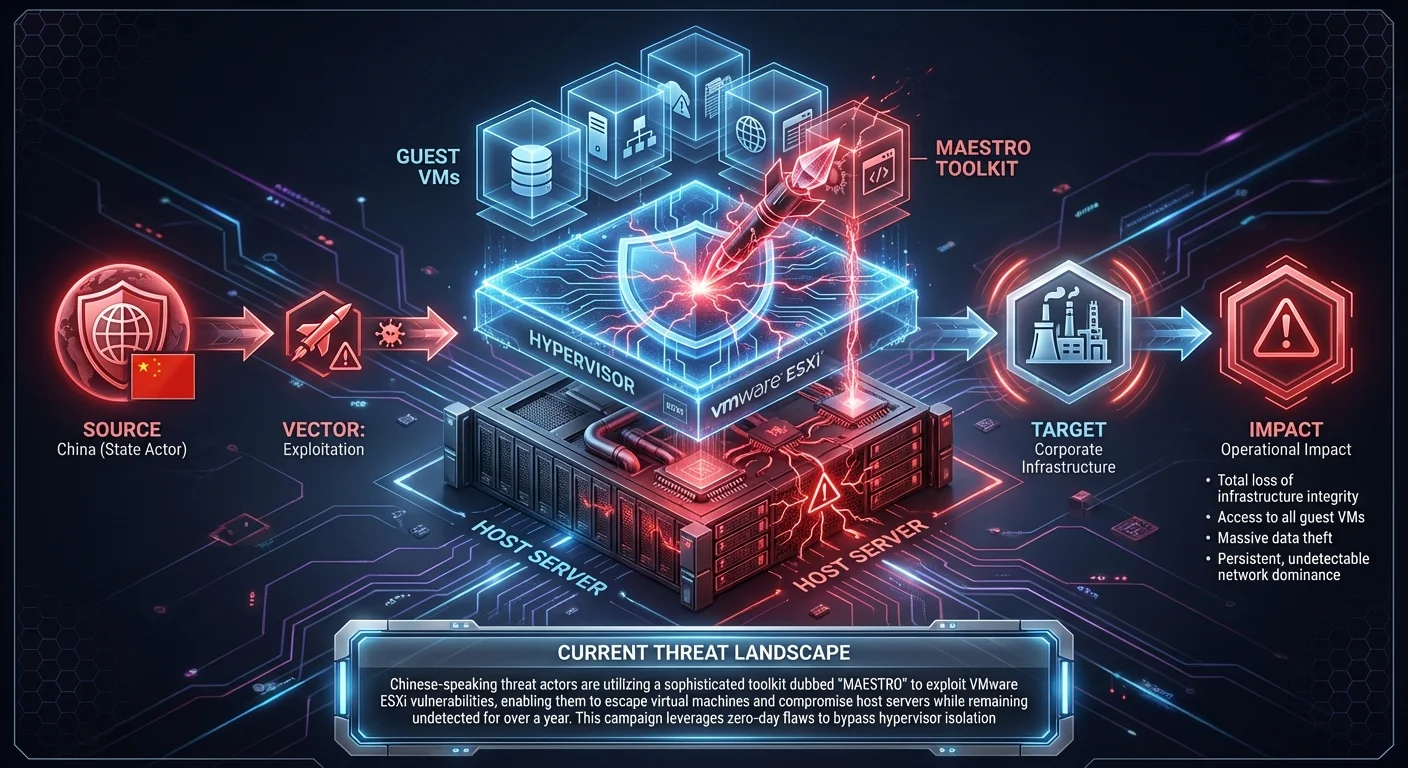
Chinese-speaking threat actors are utilizing a sophisticated toolkit dubbed "MAESTRO" to exploit VMware ESXi vulnerabilities, enabling them to escape virtual machines and compromise host servers while remaining undetected for over a year. This campaign leverages zero-day flaws to bypass hypervisor isolation.
Business Impact
Successful exploitation leads to total loss of infrastructure integrity; attackers can access all guest VMs (including databases and domain controllers) from the hypervisor, resulting in massive data theft and persistent, undetectable network dominance.
Recommended Action
Ask your IT team: Have we audited our ESXi logs for unauthorized VIB installations or shell commands, and are our hypervisors isolated from the general network?
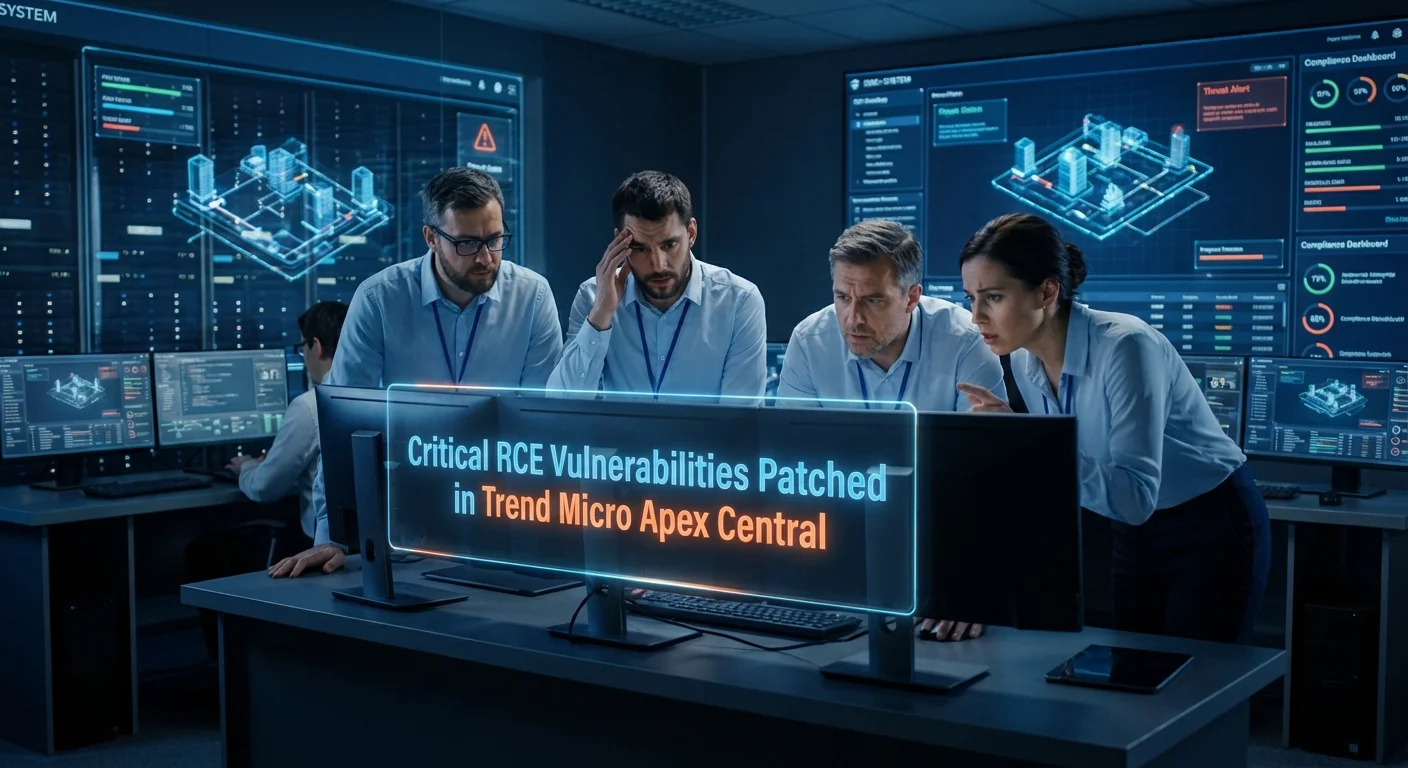
Trend Micro has issued patches for three critical vulnerabilities in its Apex Central management console that allow remote attackers to execute arbitrary code or cause denial-of-service. These flaws were discovered and disclosed by Tenable.
Business Impact
Compromise of the central security management console could allow attackers to disable endpoint defenses across the entire organization, deploy malware to all managed devices, and exfiltrate security logs, leading to a catastrophic breach.
Recommended Action
Ask your IT team: Have we applied the latest patches to our Trend Micro Apex Central servers to address CVE-2025-69258, CVE-2025-69259, and CVE-2025-69260?
Zero-Click "ZombieAgent" Exploit Targets OpenAI's Deep Research Agent
SecurityBoulevard·5:42 PM
▾
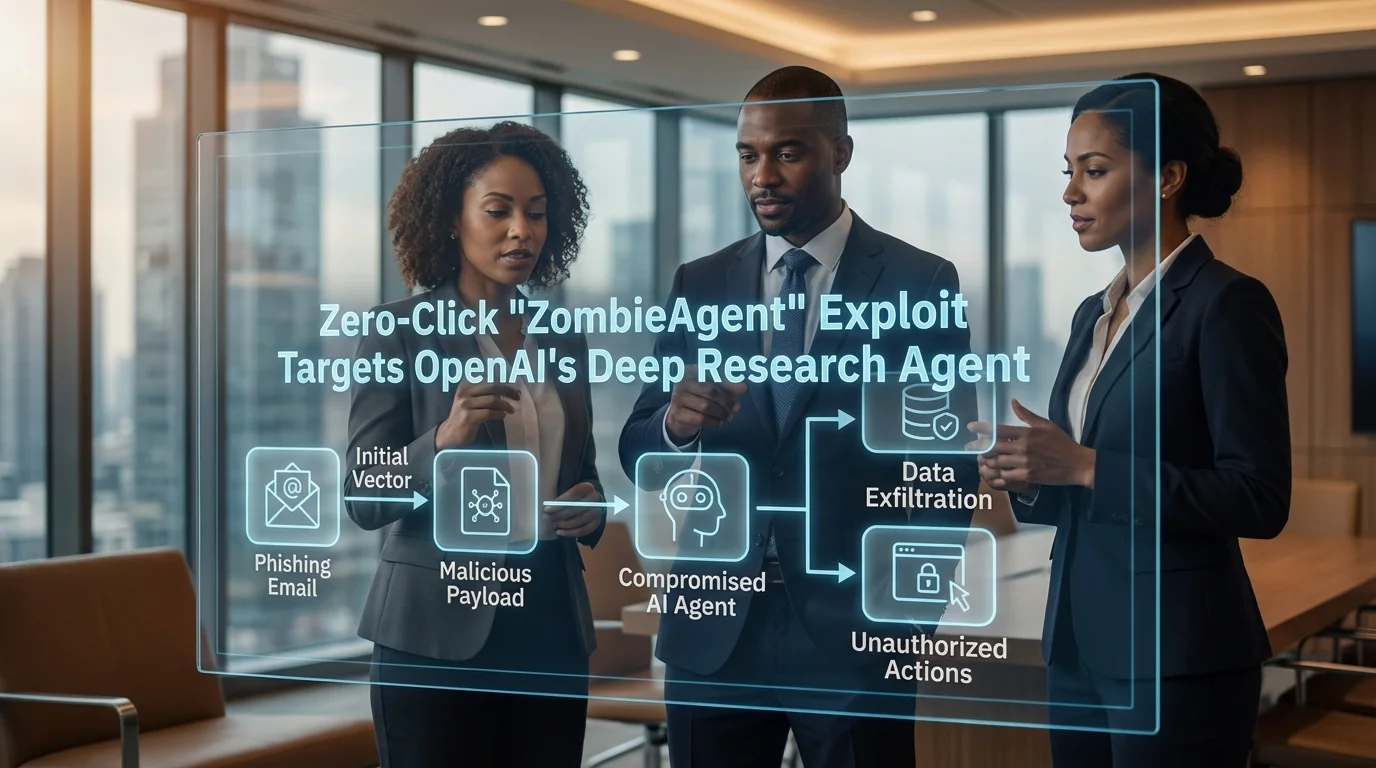
Radware researchers have discovered "ZombieAgent," a zero-click indirect prompt injection vulnerability that allows attackers to implant malicious rules into the long-term memory of OpenAI's Deep Research agent without user interaction.
Business Impact
Compromised AI agents could be manipulated to exfiltrate sensitive corporate data processed by the AI or perform unauthorized actions, undermining the integrity of automated business workflows and decision-making systems.
Recommended Action
Ask your IT team: What controls are in place to sanitize inputs for our AI agents, and have we restricted their access to sensitive data repositories?
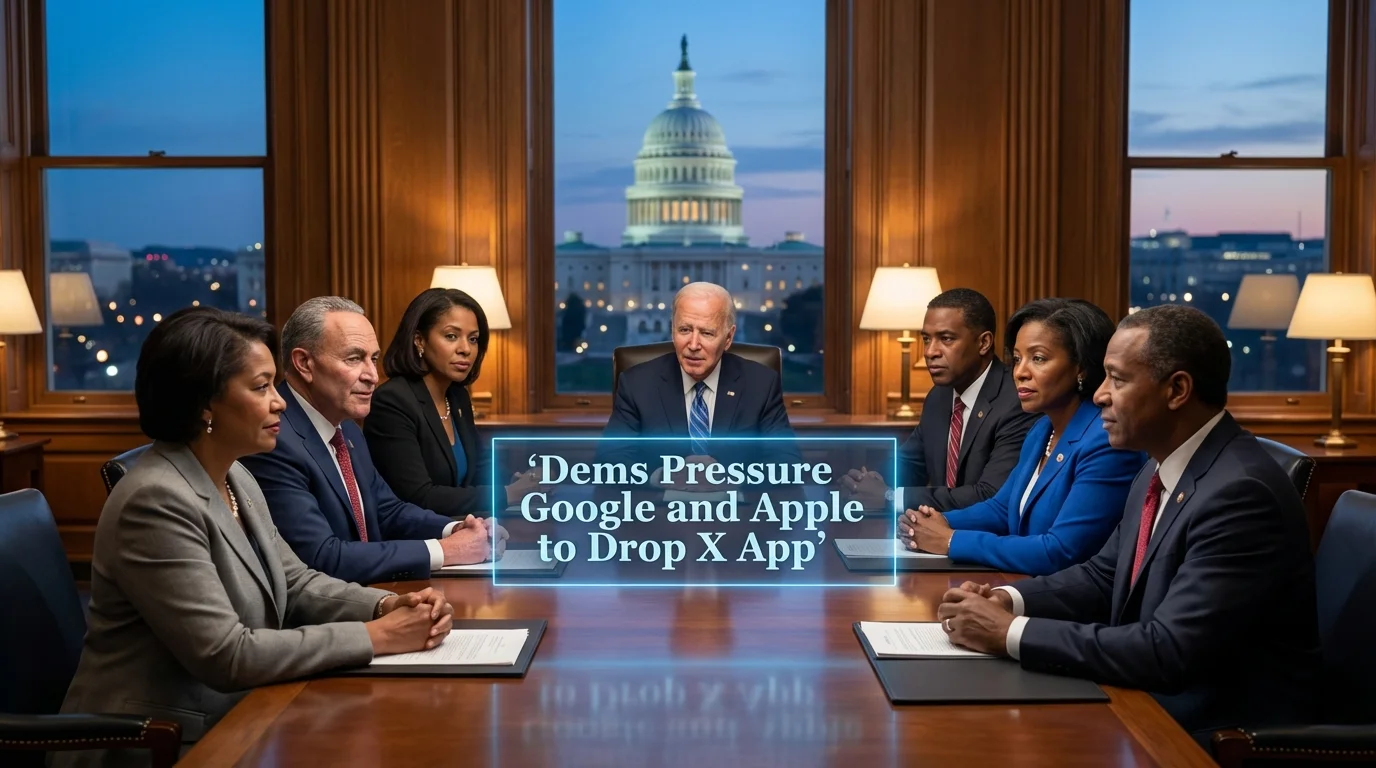
Senate Democrats are urging app stores to remove X (formerly Twitter) citing privacy concerns and regulatory investigations in Europe regarding the platform's AI tools.
Senate Democrats are urging app stores to remove X (formerly Twitter) citing privacy concerns and regulatory investigations in Europe regarding the platform's AI tools.
PNNL is deploying generative AI agents to transform cybersecurity defense, highlighting the growing trend of using AI to augment security operations centers.
Observations from CES 2026 indicate rapid evolution in IoT technology, presenting expanding attack surfaces for both consumer and enterprise environments.
Specialization: Zero Trust Segmentation (Microsegmentation)
Why Illumio Today: Illumio is highly relevant to the reported MAESTRO toolkit and VMware ESXi exploitation campaigns. By implementing Zero Trust Segmentation, Illumio can contain breaches and prevent the lateral movement necessary for attackers to spread from compromised hypervisors or VMs to the rest of the network.
Key Capability: Workload-level traffic visibility and segmentation to stop lateral movement.
Recommended Actions:
1. Navigate to Illumio PCE Console → Policy → Enforcement Boundaries → Add
2. Navigate to Illumio PCE Console → Workloads and VENs → Workloads → Filter by [ESXi Cluster/Label] → Edit → Change Policy State
3. Navigate to Illumio PCE Console → Illumination Plus → Explorer
Verification Steps:
- Verify VEN Policy Sync Status
- Validate Traffic Block via Explorer
⚠️ Disclaimer: Test all detection logic in non-production environments before deployment.
1. Vendor Platform Configuration - Illumio
# Actionable Guidance for Illumio
# Generated: 2026-01-10 14:44:31
# Step 1: Navigate to Illumio PCE Console → Policy → Enforcement Boundaries → Add
# Purpose: Deploy an emergency containment policy to block high-risk lateral movement ports (RDP/3389, SSH/22, SMB/445) originating from the compromised or at-risk ESXi workload scopes.
# Expected: Immediate blocking of specified lateral movement protocols between workloads, overriding existing allow rules without requiring a full policy rewrite.
# Step 2: Navigate to Illumio PCE Console → Workloads and VENs → Workloads → Filter by [ESXi Cluster/Label] → Edit → Change Policy State
# Purpose: Move all Guest VMs residing on potentially compromised hypervisors from 'Build' or 'Test' state to 'Enforced (High Detail)' state.
# Expected: Workloads immediately begin dropping unauthorized traffic. 'High Detail' ensures all dropped packets are logged for forensic analysis of the MAESTRO toolkit's scanning activity.
# Step 3: Navigate to Illumio PCE Console → Illumination Plus → Explorer
# Purpose: Query for traffic flows with 'Reported Policy Decision' = 'Blocked' originating from the affected Virtualization scope.
# Expected: Visual identification of anomalous outbound connection attempts, indicating potential C2 communication or lateral movement attempts by the toolkit.
# Verification Steps:
# - Verify VEN Policy Sync Status
# Expected: In 'Workloads and VENs', the specific workloads display 'Policy Sync' as 'Active' and 'Policy State' as 'Enforced'.
# - Validate Traffic Block via Explorer
# Expected: Initiate a test connection (e.g., SSH or RDP) between two segmented VMs; the connection fails, and Explorer shows a red line indicating a 'Block' decision.
2. YARA Rule for Trend Micro Apex Central Exploitation
rule TrendMicro_ApexCentral_Exploit_Indicators {
meta:
description = "Detects artifacts associated with Trend Micro Apex Central exploitation (CVE-2025-69258/59/60)"
author = "Threat Rundown"
date = "2026-01-10"
reference = "https://securityaffairs.com/?p=186733"
severity = "high"
tlp = "white"
strings:
$s1 = "LoadLibraryEX" ascii wide
$s2 = "MsgReceiver" ascii wide
$s3 = "Unchecked" ascii wide
$cve1 = "CVE-2025-69259" ascii wide
$cve2 = "CVE-2025-69258" ascii wide
condition:
any of ($s*) or any of ($cve*)
}
3. SIEM Query — MAESTRO Toolkit Indicators
index=security sourcetype="vmware:esx:log" OR sourcetype="wineventlog"
(file_name="malware.exe" OR threat_actor="ShinyHunters" OR threat_actor="Devman")
| eval risk_score=case(
match(_raw, "ShinyHunters"), 100,
match(_raw, "malware.exe"), 80,
1==1, 25)
| where risk_score >= 80
| table _time, src_ip, dest_ip, file_name, risk_score
| sort -_time
4. PowerShell Script — Check for Suspicious Files
$computers = "localhost", "SERVER01", "WKSTN01"
$suspiciousFiles = @("malware.exe", "wlbsctrl.dll", "sqlite3.dll")
foreach ($computer in $computers) {
if (Test-Connection -ComputerName $computer -Count 1 -Quiet) {
Write-Host "Checking $computer for suspicious artifacts..."
foreach ($file in $suspiciousFiles) {
$found = Invoke-Command -ComputerName $computer -ScriptBlock {
param($target) Get-ChildItem -Path "C:\Windows\Temp", "C:\ProgramData" -Filter $target -Recurse -ErrorAction SilentlyContinue
} -ArgumentList $file
if ($found) {
Write-Warning "ALERT: Found $file on $computer at $($found.FullName)"
}
}
}
}
This rundown should provide a solid overview of the current threat landscape. Thank you to all our cyberheroes for your diligence and hard work. Stay vigilant!
Cookie Notice
We use essential cookies to provide our cybersecurity newsletter service and analytics cookies to improve your experience.
About STIX 2.1: Structured Threat Information eXpression (STIX) is the machine language of cybersecurity. This bundle contains validated threat objects, indicators, and relationships that can be directly imported into your SIEM, TIP, or security orchestration platform.
Usage: Download or copy the JSON below and import it directly into your threat intelligence platform, SIEM, or security orchestration tools for automated threat detection and response.